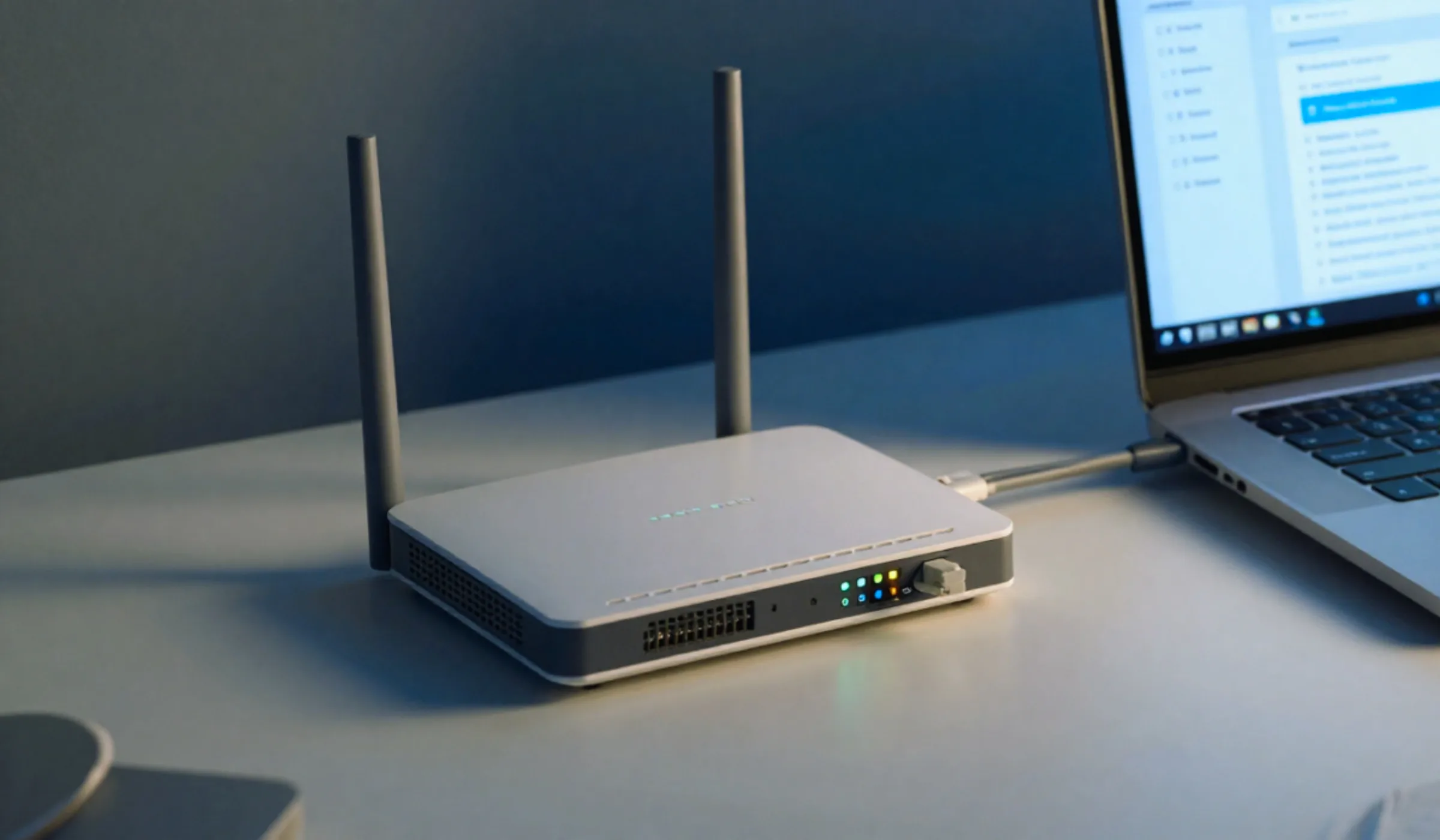
Improve Wi-Fi Through Walls: Apartment-Friendly Tips

Improve Wi-Fi Through Walls Apartment-Friendly Tips

Full bars in the living room, one sad bar in the bedroom. If you rent, you know the drill: thick walls, a landlord-placed cable jack in the worst possible corner, and a “fast” internet plan that somehow can’t reach your couch. The walls aren’t going anywhere — but your Wi-Fi can still get a lot … Read more

Symmetrical vs Asymmetrical Speeds: Why It Matters

symmetrical vs asymmetrical internet speeds explained

TL;DR — The Quick Answer Symmetrical internet gives you equal upload and download speeds (like 500 Mbps both ways). Asymmetrical internet gives you fast downloads but much slower uploads — sometimes 10 to 25 times slower. If you work from home, make video calls, back up files to the cloud, stream, or create content, symmetrical speeds make a … Read more

Bonded Internet & Link Aggregation for Home: Worth It?

Bonded Internet & Link Aggregation for Home: Worth It?

TL;DR — Quick Answer “Bonding” means three different things. Link aggregation, dual-WAN load balancing, and true WAN bonding are not the same — mixing them up is why people feel ripped off. Link Aggregation (LAG / 802.3ad): combines two LAN Ethernet ports (2 × 1 Gbps = ~2 Gbps) between your router and a NAS or PC. It does not speed … Read more

Can You Game on Satellite Internet? The Real Latency Numbers

Can You Game on Satellite Internet? The Real Latency Numbers

TL;DR — The Quick Answer Yes — on Starlink. Real-world latency runs 25–50 ms in 2026 (most people land at 30–40 ms), which is fine for Fortnite, CoD, Apex, and basically every MMO. No — on legacy satellite. HughesNet and Viasat sit at 600–700 ms because their satellites orbit 22,000 miles up. That’s unplayable for anything real-time. … Read more

Running a Home Business on Residential Internet: What the ToS Allows

Running a Home Business on Residential Internet

TL;DR — Quick Answer Yes, you can usually run a small home business on residential internet checking email, taking video calls, managing an online store, or freelancing is fine with nearly every major ISP. What residential terms of service actually prohibit is reselling your connection, hosting public-facing servers, and heavy commercial traffic that strains the network. If … Read more

“Connected but No Internet” 10 Fixes That Actually Work

Connected but No Internet

TL;DR: Fix #1 (solves 60% of cases): Unplug your router AND modem, wait 30 seconds, plug the modem in first, wait for lights, then plug in the router Fix #2: Check if it’s one device or all of them — if only one, the problem is that device, not your internet Fix #3: Check for ISP outages — … Read more

Public vs Private IP Address: What It Means for You

Public vs Private IP Address

TL;DR: Public IP = your internet address. Assigned by your ISP, visible to every website you visit, and unique worldwide Private IP = your home network address. Assigned by your router, only seen by devices on your Wi-Fi, and reusable across millions of networks Why it matters: Your public IP can reveal your approximate location and browsing activity. … Read more

Choosing an Internet Provider by ZIP: The 7 Key Factors

choose internet provider by zip code factors

TL;DR: Start with your ZIP code — enter your address at broadbandmap.fcc.gov to see every provider at your location Best overall fiber: AT&T Fiber at $55/mo for 300/300 Mbps — no caps, no contracts, Wi-Fi 7 included. Call 855-550-2535 Best value, no hassle: T-Mobile 5G Home at $50/mo ($35 with phone bundle) — plug-and-play, 5-year price lock. Call 1-800-557-8937 Best … Read more

Wi-Fi 6 vs 6E vs 7:What’s the Difference?

Wi-Fi 6 vs 6E vs 7What's the Difference

TL;DR: Wi-Fi 6 (802.11ax) is the workhorse standard in most homes right now—fast, reliable, and handles dozens of devices without breaking a sweat Wi-Fi 6E adds the less-congested 6 GHz band, giving you more bandwidth and lower interference (same speeds as Wi-Fi 6, just more room to breathe) Wi-Fi 7 (802.11be) is the latest generation with up to 46 Gbps … Read more

How to Set Up a Secure Guest Wi-Fi Network (2026 Guide)

How to Set Up a Secure Guest Wi-Fi Network

TL;DR: What it does: Creates a separate Wi-Fi network for visitors that’s completely isolated from your personal devices, files, and smart home gadgets Cost: $0 — most routers made after 2018 have guest network built in. No extra hardware needed Time to set up: 10 minutes or less through your router’s admin panel or mobile app Encryption: Use WPA3 … Read more