

TL;DR — The Short Answer
What Is a Community Mesh Network, Really?
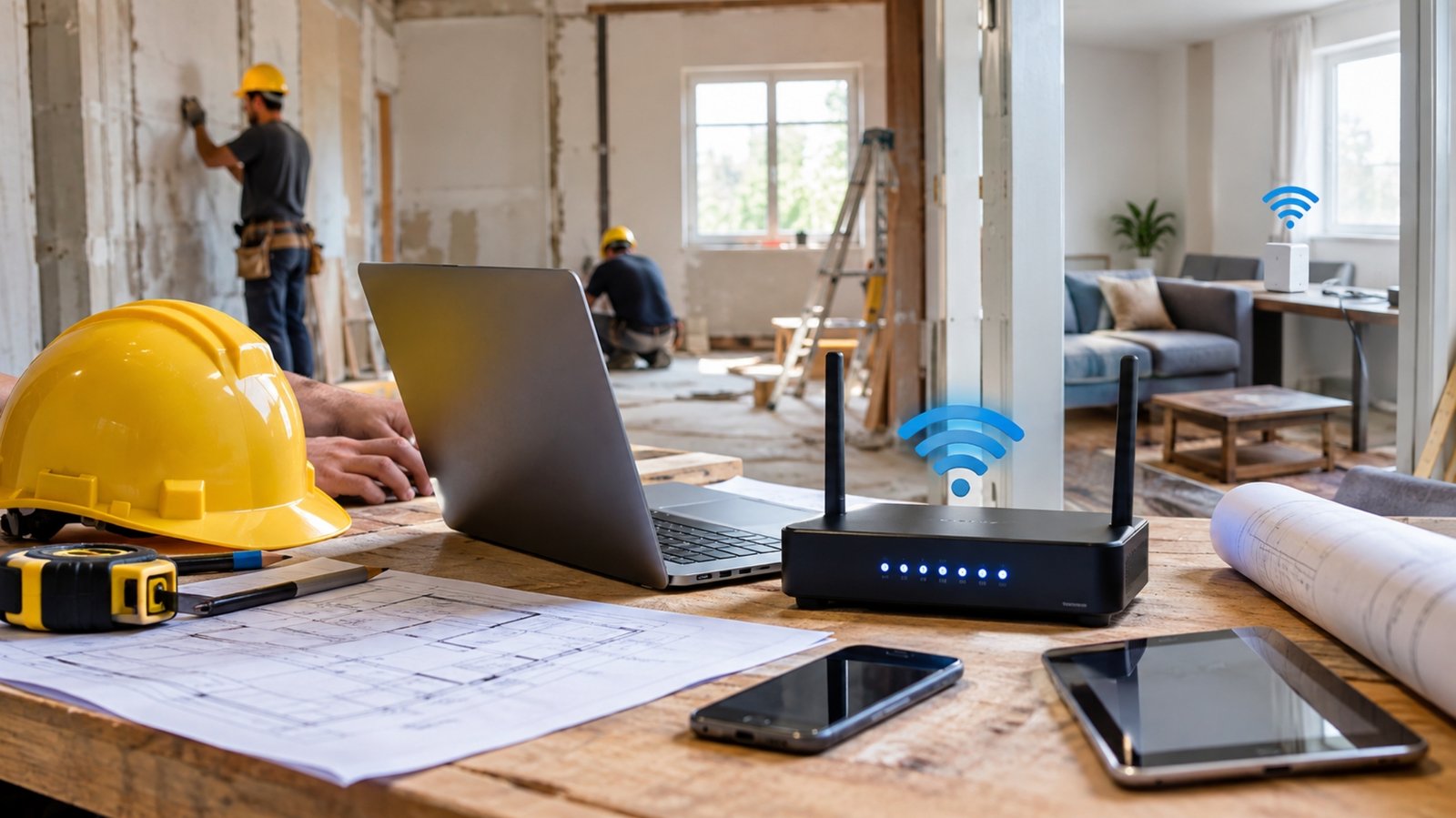
Imagine your internet came from a rooftop antenna three buildings away — one that a neighbor installed on a Saturday morning with two volunteers and a drill. No sales call. No 24-month agreement. No mystery fee that shows up in month 13.
That’s a community mesh network. Instead of one company running cable to every home, small wireless routers on rooftops and balconies talk directly to each other. Each rooftop becomes a relay point. Traffic hops from building to building until it reaches a “supernode” — a site with a big fiber connection that carries everything out to the wider internet.
The result is a network that grows sideways. Every new member who joins doesn’t just take service; they usually extend it to the next person. Most of these networks are run as non-profits or volunteer collectives, which is exactly why the price looks so strange compared to a normal internet bill.
Why This Suddenly Matters in 2026
For about two and a half years, low-income households had a genuinely good deal. The federal Affordable Connectivity Program knocked $30 a month off internet bills — $75 on Tribal lands — and more than 23 million households signed up. Then the money ran out in June 2024, and Congress never renewed it.
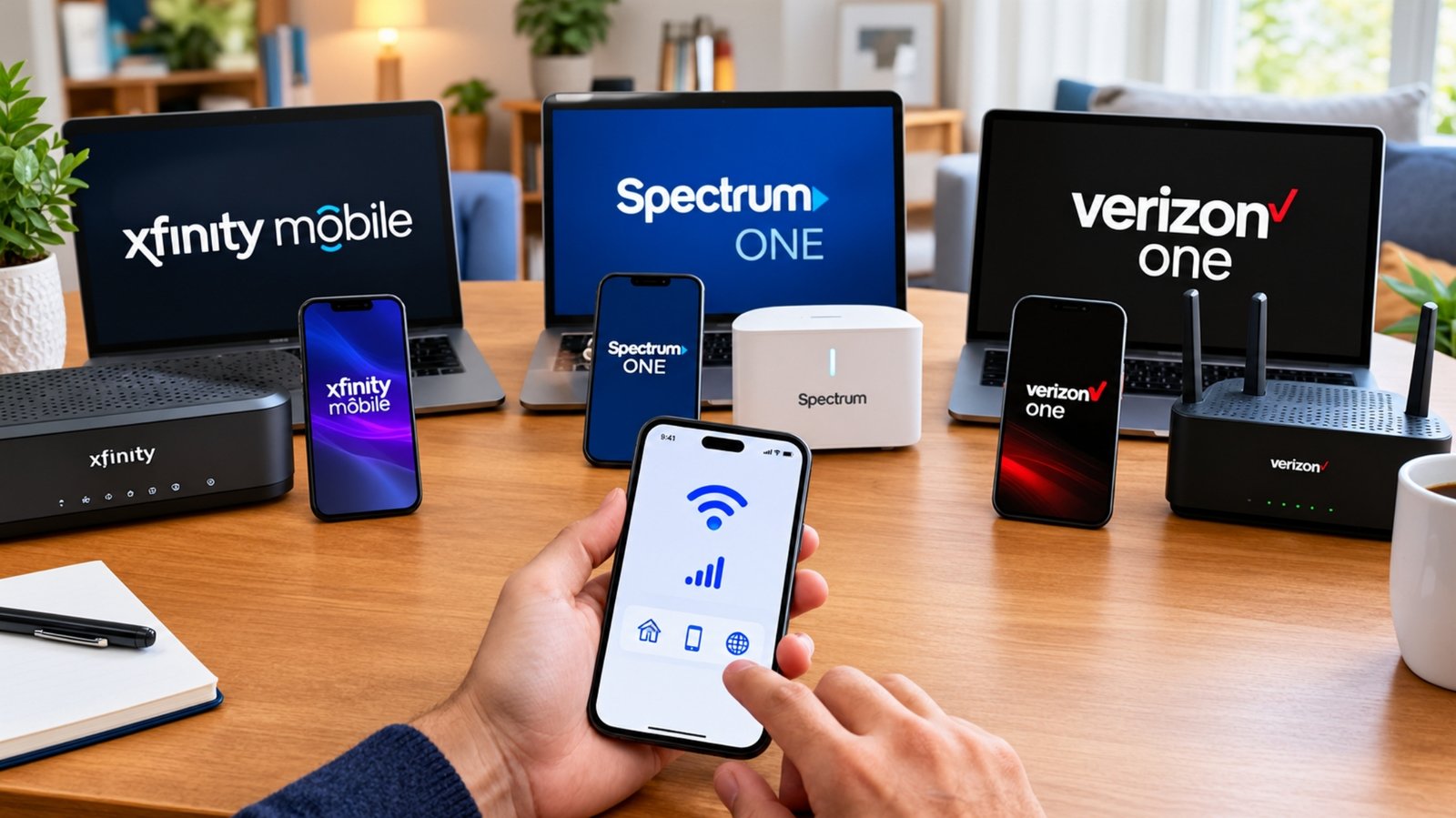
As of mid-2026, there’s still no federal replacement. What’s left is a patchwork: the Lifeline program gives up to $9.25 a month (up to $34.25 on Tribal lands), and a handful of provider programs like Internet Essentials and Spectrum Internet Assist sit in the $10–$25 range. A few states built their own fixes — New York’s law guarantees $15/month broadband for qualifying households — but most people got nothing.
Meanwhile, community-rooted networks kept building. Independent ISPs, electric co-ops, and municipal networks together accounted for roughly 40% of all fiber deployment in 2025. Mesh networks are the smallest and scrappiest corner of that movement — and often the only option that costs nothing at all.
Mesh networks aren’t a substitute for a national program. They cover neighborhoods, not states. But in the specific blocks where they operate, they’ve done something no subsidy managed: made the monthly bill optional.
How the Technology Actually Works
You don’t need to understand any of this to use it, but knowing the shape of the system explains both the low price and the occasional hiccup.
One or more sites have a serious fiber connection — often donated bandwidth or a direct link at an internet exchange point. This is the front door for everyone else.
Directional and sector antennas (commonly Ubiquiti or MikroTik gear) send signal across rooftops. Range depends almost entirely on clear line of sight.
A small antenna goes on your roof or balcony, and an ethernet cable runs down to your apartment, where it plugs into a normal Wi-Fi router.
This is the mesh part. Your rooftop router can carry traffic for neighbors further out. You use maybe a slice of a bread-toaster’s worth of electricity to keep it running.
If one link fails, traffic reroutes through another path. That redundancy is why mesh holds up well during storms and outages.
Community Mesh vs. Your Other Cheap Options
Here’s the honest head-to-head. Mesh wins on cost and privacy, loses on coverage and support. Everything else is a trade.
Mesh vs. Low-Income ISP Plans vs. Standard Broadband
| Feature | Community Mesh | Low-Income ISP Plan | Standard Broadband |
|---|---|---|---|
| Monthly cost | $0–$30 (donation) Best | $9.95–$25 | $50–$95 after promo |
| Setup cost | $0–$200 one-time (sliding scale) | $0–$50 Best | $0–$100 |
| Typical speed | 25–200 Mbps (varies a lot) | 50–100 Mbps | 300 Mbps–1 Gbps Best |
| Upload speed | Often symmetrical Best | 5–20 Mbps | 10–35 Mbps (cable) |
| Contract | None, ever Best | Usually none | Sometimes 1–2 years |
| Data caps | Unlimited Best | Usually unlimited | Some 1.2 TB caps |
| Equipment fee | $0 (you own the gear) Best | Often included | $10–$15/mo rental |
| Eligibility check | None — anyone can join Best | SNAP, Medicaid, or income proof | Credit check common |
| Availability | A few dozen cities Weakest | Wherever the ISP operates | ~95% of US homes Best |
| Support | Volunteer, best-effort Weakest | Standard call center OK | 24/7 phone + chat Best |
| Privacy | No tracking or logging Best | Standard ISP data practices | Standard ISP data practices |
| Price increases | Never — you set the donation Best | Rare | $20–$40 jump after year 1 Weakest |
| Install wait time | 1–6 weeks (volunteer schedules) | 3–10 days Faster | 2–7 days Fastest |
| Best for | Renters, privacy-minded users, anyone priced out | Households with SNAP or Medicaid | Big households, gamers, heavy streamers |
Real Networks You Can Join Right Now
These aren’t pilot projects. Some have been running for over a decade, with thousands of active connections between them. Here’s what the biggest ones look like.
NYC Mesh
New York City
$20
/ month suggestedVolunteer-run since 2014, now well past 2,000 active member nodes across the five boroughs.
- Donation is optional, not required
- Roughly $50–$200 one-time install
- Unlimited data, no extra charges
- Fiber-to-the-home in some buildings
- No user data monitored or stored
- Sliding scale if you can’t pay
Equitable Internet Initiative
Detroit, Highland Park & Hamtramck
Free
/ for eligible homesRun by the Detroit Community Technology Project with four neighborhood partner organizations.
- Residents trained as “Digital Stewards”
- Solar and battery backup on key nodes
- Stays up ~3 days in a power outage
- Free public hotspots in parks
- Neighborhood-governed, not corporate
Seattle Community Network
Seattle & Puget Sound
Free
/ low-costNon-profit using open-source 4G LTE over the shared CBRS band rather than classic Wi-Fi mesh.
- Backed by City of Seattle IT and UW
- Prioritizes underserved neighborhoods
- In-person tech help desk hours
- Job training built into the program
- Best-effort service, openly stated
Philly Community Wireless
Philadelphia
Free
/ in coverage zonesA coalition of technologists and organizers building community-controlled wireless, block by block.
- Free neighborhood Wi-Fi zones
- Partners with local organizations
- Digital literacy training included
- Focused on Kensington and nearby
People’s Open Network
Oakland, CA
Free
/ donationOne of the longest-running volunteer mesh projects on the West Coast, with regular build nights.
- Open-source firmware and hardware
- Weekly community workshops
- Fully volunteer-operated
- Strong DIY and learning culture
Red Hook Wi-Fi
Brooklyn, NY
Free
/ public accessBorn out of Hurricane Sandy recovery and still the textbook example of resilient local networking.
- Kept working when ISPs went dark
- Youth training and paid stipends
- Public hotspots across the peninsula
- Model copied in other cities
New nodes go up constantly, and many networks keep a public coverage map plus a “request service here” form. Even if your address isn’t covered today, filling out that form is how organizers decide where to build next. Demand in a neighborhood is literally the planning data.
The Honest Pros and Cons
Nobody should switch to a mesh network expecting a Google Fiber experience for free. Here’s the real picture from both sides.
What’s Genuinely Great
- Costs $0–$30/month, and it’s your call
- No contract, no credit check, no early termination fee
- Unlimited data with no throttling
- Upload speeds usually match download
- Most networks don’t monitor or log your traffic
- You own your equipment outright
- Self-healing — one failed link doesn’t kill your service
- Often stays online during outages and storms
- Your money stays in the neighborhood
What You’re Giving Up
- Only available in a few dozen cities
- You need clear line of sight to a node
- Speeds vary a lot by distance and hops
- No 24/7 support — volunteers have day jobs
- Install may take weeks, not days
- Roof access needs landlord permission
- Service is explicitly “best-effort”
- Not ideal for competitive gaming or 4K in every room
- No bundled TV or phone service
The Three-Year Cost: Let’s Do the Math
Monthly price tags hide a lot. Here’s what you’d actually hand over across three years, comparing a mesh connection with a suggested $20 donation against a mid-tier cable plan with the usual post-promo jump.
Community Mesh (donating $20/mo)
Cable (300 Mbps, typical)
These networks survive on donations. If you can afford $20 a month, pay it. Volunteers cover servers, antennas, cable, and bandwidth out of that pool, and a network where everyone opts out of donating simply stops growing. The sliding scale exists for people who truly can’t pay — not as a default setting.
How to Join a Mesh Network (Step by Step)
Search your city’s name plus “community mesh” or “community wireless.” The Institute for Local Self-Reliance tracks community-owned networks nationwide and is the best starting map.
Every network has a form. You’ll give your address and rough building height. Volunteers use satellite imagery to check whether you have line of sight to an existing node.
This is the step that stalls most installs. Ask early. A one-page description of the equipment and the fact that it’s free service for the building usually does the trick.
An install leader and a couple of trainees mount the antenna, run ethernet down to your unit, and aim the link. Budget two to four hours.
Connect a normal Wi-Fi router to the ethernet drop and you’re online. Then pick a monthly donation you can actually sustain.
That’s essentially the whole deal. Your rooftop router relays traffic for neighbors, and joining means agreeing to extend the network the same way it was extended to you.
What If There’s No Network in Your City?
Then someone has to start one, and the barrier is lower than you’d guess. NYC Mesh publishes a full guide to doing exactly this, and it boils down to a handful of moves: find two or three people who’ll show up regularly, get one rooftop with a good view, and start with a home internet connection as your gateway before chasing a donated fiber link.
Equipment is the easy part. Outdoor point-to-point links usually run on Ubiquiti NanoStation-class radios. Indoor and short-range nodes often use GL.iNet or TP-Link routers flashed with OpenWrt. A starter node costs well under $200, and prices keep falling.
The hard part is people. Networks that last are the ones with regular meetups, trained install leaders, and neighbors who feel like owners rather than customers. Detroit’s model — training residents as paid Digital Stewards through the Detroit Community Technology Project — is widely copied for exactly that reason.
Detroit’s network puts solar panels and battery backups on major nodes so neighborhood communication keeps working for up to three days during a power outage. Red Hook’s network famously stayed useful after Hurricane Sandy knocked commercial service offline. When the grid wobbles, locally owned infrastructure tends to hold.
Is This Right for You?
Go for It If…
- A network already covers your block
- Your budget is tight and ACP left a hole
- You browse, stream, and take video calls
- You care about privacy and no logging
- You’re tired of annual price increases
- You like the idea of owning your infrastructure
- You can wait a few weeks for install
Stick With a Commercial ISP If…
- No mesh network exists near you
- You need guaranteed uptime for work
- You play competitive online games
- Six people stream 4K simultaneously
- You want same-week installation
- You need 24/7 phone support
- Your building bans rooftop equipment
Our Verdict
If a community mesh network reaches your address, join it. There is no other place in American broadband where you can get unlimited, uncapped, unmonitored internet with symmetrical uploads for a donation you choose yourself. For light-to-moderate households, the performance is fine and the value is unmatched.
The honest caveat is coverage. These networks exist in maybe a few dozen cities, and even there they work block by block rather than citywide. If you’re outside that footprint, your realistic path is stacking a Lifeline discount onto a provider low-income plan, then checking back — or getting a few neighbors together and starting a node yourself.
What community networks have proven is more interesting than their size suggests. Reliable neighborhood internet doesn’t require a national carrier. It requires a rooftop, some hardware, and people who show up.
Frequently Asked Questions
On most networks it’s genuinely free in the sense that no payment is required to stay connected. NYC Mesh, for example, suggests $20 a month but doesn’t cut anyone off for not paying. What you usually can’t avoid is the one-time install cost, which covers the antenna and cable — typically $50 to $200, with sliding-scale help available if that’s out of reach. Detroit’s and Philadelphia’s networks provide free access outright to eligible households in their coverage areas.
Expect somewhere between 25 and 200 Mbps in most cases, though buildings with a direct fiber connection to a supernode can go far higher. Speed depends on your distance from the nearest antenna, how many hops your traffic takes, and how many neighbors share your link. The pleasant surprise is upload speed — mesh connections are often symmetrical, so a 50 Mbps connection gives you 50 Mbps up, which beats most cable plans outright for video calls and cloud backups.
You don’t need to own, but you do need permission for roof access. This is the single most common reason an install stalls. Many networks prefer connecting whole buildings rather than single apartments, so approaching your landlord or building association with the pitch of free or cheap internet for every unit tends to work better than asking just for yourself. Some networks will help you write that request.
In terms of data collection, it’s typically more private than a commercial ISP. Networks like NYC Mesh operate as neutral networks and state plainly that they don’t monitor, collect, store, or block user data or content — something no major carrier offers. Your normal security habits still apply: use HTTPS sites, keep your router password strong, and consider a VPN for sensitive work, exactly as you would on any connection.
The Affordable Connectivity Program ended on June 1, 2024 after exhausting its $14.2 billion in funding, cutting off a $30 monthly discount for over 23 million households. As of mid-2026, Congress hasn’t passed a federal replacement. What remains is Lifeline at up to $9.25 a month, provider programs like Internet Essentials at $9.95 and Spectrum Internet Assist around $17.99, and state-level efforts — New York’s $15 broadband requirement being the most substantial. It’s worth asking your provider whether Lifeline can stack on top of their low-income plan, since the answer varies by state.
Streaming, yes — 4K Netflix needs around 25 Mbps and most mesh connections clear that comfortably. Casual online gaming is usually fine too. Competitive gaming is where you may feel it, since each wireless hop adds a few milliseconds of latency and the network makes no uptime guarantee. If ranked matches are central to your life, a wired fiber or cable connection is still the safer pick.
They’re cousins with different scales. Municipal broadband means a city or public utility builds a fiber network and sells service, usually citywide with proper support staff — there are hundreds of these across the country now. Mesh networks are neighborhood-sized, volunteer-driven, and wireless. Municipal fiber generally delivers better speed and reliability; mesh gets built faster, costs almost nothing, and doesn’t need a city council vote to happen.