TL;DR — Quick Answer
If you’ve ever poked around your router settings and spotted an “IPv6” checkbox, you’ve probably wondered the same thing everyone does: do I need this, and will turning it on make my internet better or break something?
Short version — it’s worth understanding, and for most people it’s worth enabling. But the framing of “switching” from IPv4 to IPv6 is a little misleading, and clearing that up makes the whole topic a lot less intimidating. Let’s walk through what’s actually going on, in plain English, and where it genuinely matters for your home.
First, the honest truth: there’s no big switch to flip
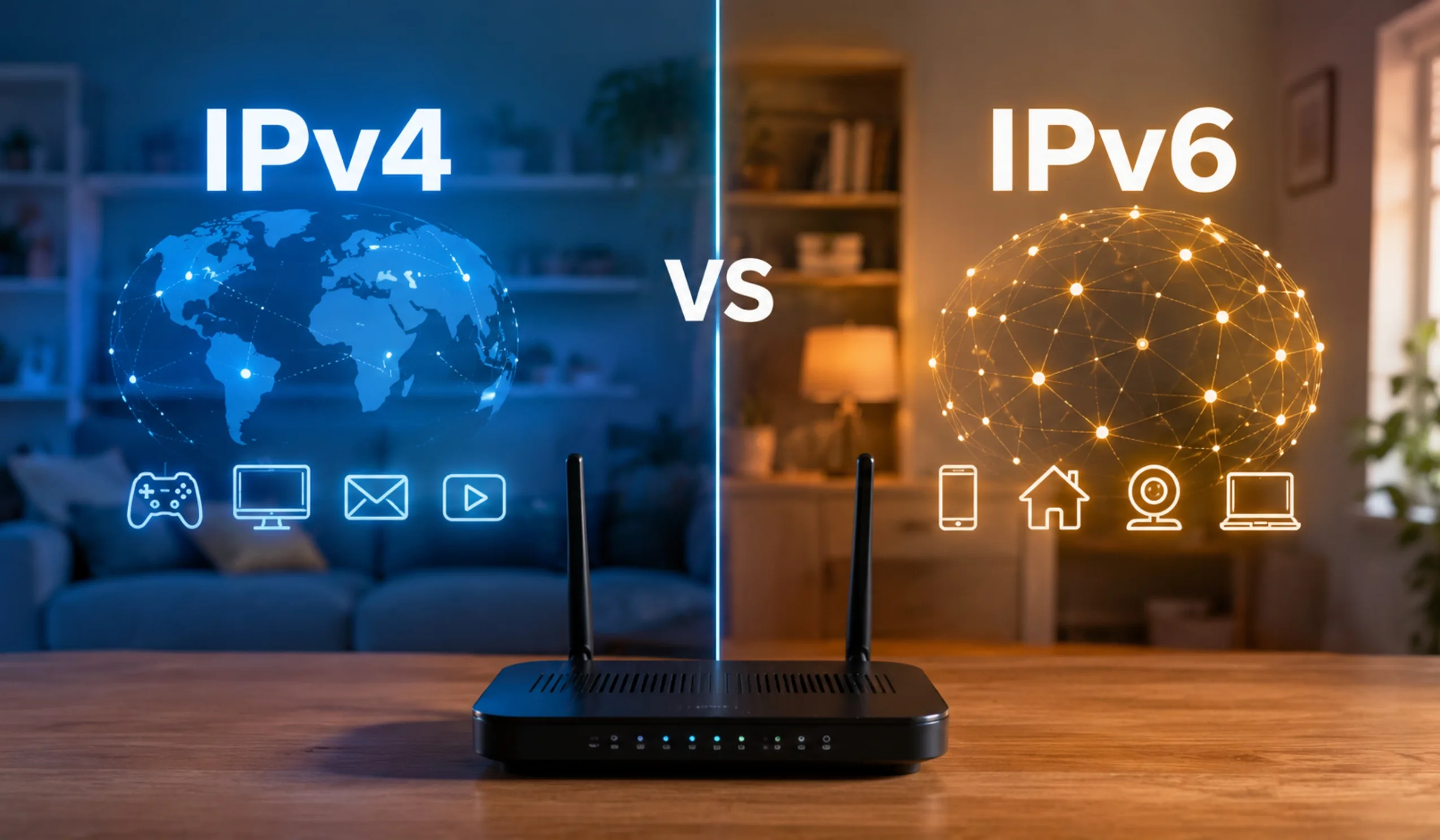
This trips a lot of people up, so let’s get it out of the way. You don’t migrate your home from IPv4 to IPv6 the way you’d swap one app for another. In reality, almost every modern home connection runs what’s called dual-stack — IPv4 and IPv6 both active at the same time. Your devices use whichever one fits the website or service they’re talking to, and you never notice the handoff.
So the practical question isn’t “should I replace IPv4 with IPv6?” It’s closer to “is IPv6 already switched on, and if not, should I turn it on too?” That’s a much smaller, friendlier decision — and the answer is usually yes.
What’s the actual difference between IPv4 and IPv6?
Every device that goes online needs an address, the same way every house on a street needs a number so the mail can find it. IPv4 and IPv6 are just two different addressing systems, and the gap between them comes down to one thing: how many addresses each one can hand out.
IPv4 uses 32-bit addresses, which works out to roughly 4.3 billion of them — the familiar 192.168.x.x style numbers. That sounded like plenty in the early days. Then smartphones, smart TVs, doorbells, thermostats, and watches all showed up wanting their own address, and the well started running dry back in the mid-2010s. IPv6 uses 128-bit addresses, which produces a number so large it’s effectively limitless — enough for every device on Earth many times over.
| What matters | IPv4 | IPv6 |
|---|---|---|
| Address length | 32-bit | 128-bit |
| Total addresses | ~4.3 billion | Effectively unlimited |
| Looks like | 192.168.1.10 | 2001:0db8:85a3::8a2e:0370:7334 |
| Needs NAT to share? | Yes (very common) | No |
| Affected by CGNAT? | Often | No |
| True end-to-end connection? | Usually not | Yes |
| Built-in for old games/sites? | Yes | Improving, not universal |
| Status today | Still everywhere | Crossed 50% of Google traffic in 2026 |
Why this became a problem in the first place
When IPv4 addresses started running low, the industry leaned hard on a clever workaround called NAT (Network Address Translation). NAT is why your home router can let your phone, laptop, console, and a dozen smart devices all share a single public address. It worked beautifully — so well, in fact, that it took a lot of pressure off the move to IPv6 and is one reason adoption crept along slowly for years.
But there’s a newer, heavier version of that trick that’s become the real headache for home users: CGNAT.
CGNAT: the quiet reason your connection feels “off”
Carrier-Grade NAT takes the address-sharing idea and scales it up to the ISP level. Instead of your household getting its own public IPv4 address, your ISP puts hundreds — sometimes thousands — of customers behind a single shared address. It’s a smart way to stretch a dwindling supply of IPv4, and most of the time you won’t even know it’s happening.
Until you try to do something that needs the outside world to reach into your network. CGNAT sits in the middle and breaks the internet’s original end-to-end design, which causes very specific, very annoying problems:
Strict NAT types, trouble hosting matches, and that extra translation layer can add small but real latency to your connection.
Hosting a game server, a security camera, or a home server gets difficult or flat-out impossible behind CGNAT.
Reaching your home PC, NAS, or smart-home hub from outside often won’t work without extra workarounds.
Direct connections between two CGNAT users — common in some apps and games — can be unreliable or just refuse to connect.
Here’s where IPv6 earns its keep. Because there are enough IPv6 addresses for every device to have its own public one, there’s no need for CGNAT at all. Your connection gets true end-to-end reachability — the way the internet was originally designed to work — and a lot of those CGNAT headaches simply disappear for any service that supports IPv6.
The real benefits of IPv6 for a home network
Setting aside the technical romance, here’s what enabling IPv6 can actually do for you day to day.
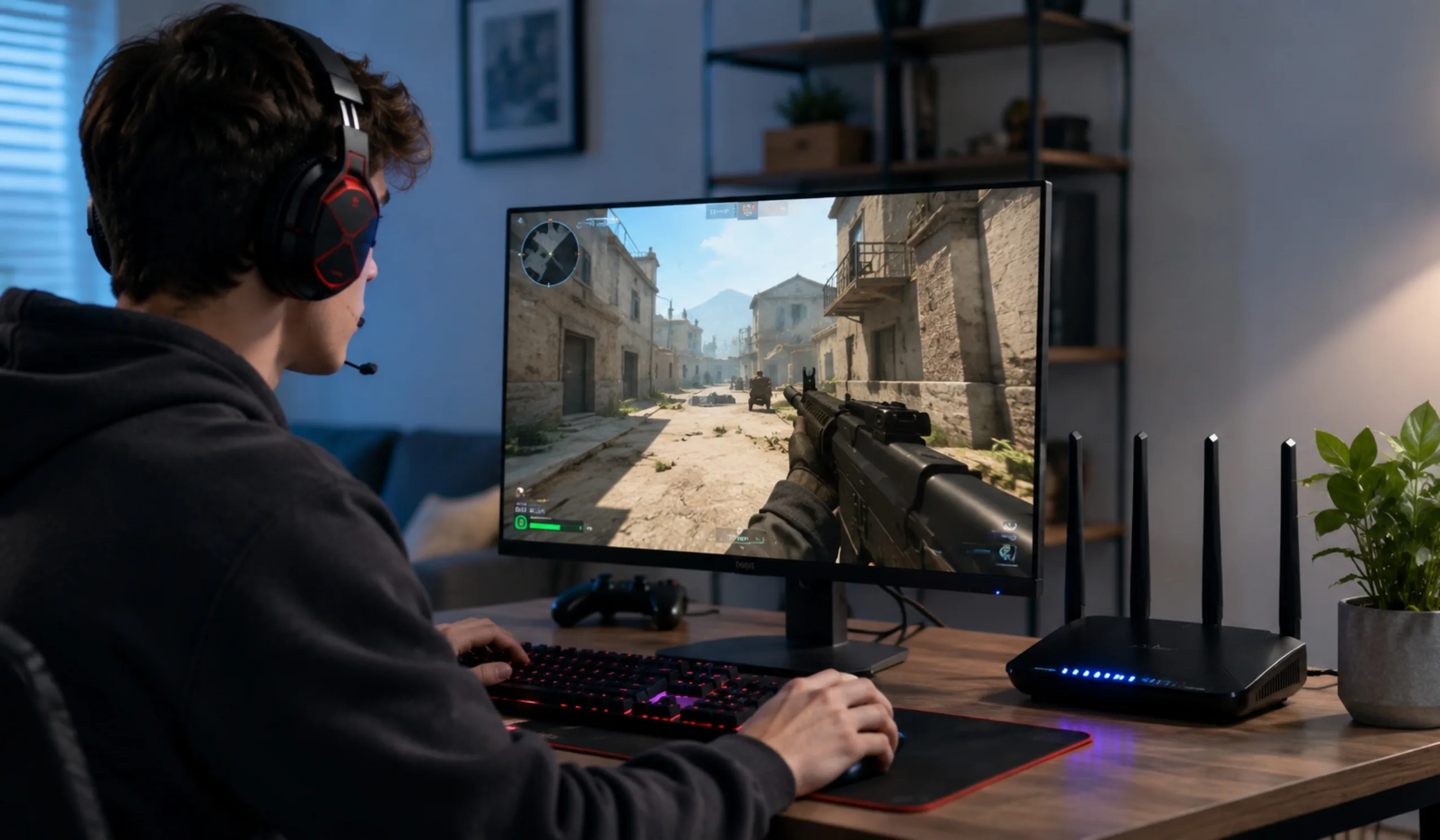
The biggest practical win — direct connections for gaming, hosting, and remote access without your ISP’s shared-address bottleneck.
Removing the NAT translation step can shave a little delay off connections, which gamers especially tend to appreciate.
A smart home full of bulbs, cameras, and sensors no longer competes for a tiny pool of addresses. There’s room for everything.
It’s also simply where the internet is heading. As of early 2026, IPv6 reliably accounts for around half of all traffic reaching Google, and North America passed the 50% adoption mark a couple of years ago. Turning it on isn’t bleeding-edge anymore; it’s joining the majority.
Let’s be honest about the limitations too
IPv6 isn’t magic, and anyone who tells you it’ll automatically make everything faster and safer is overselling it. A few things to keep straight:
IPv6 is not automatically faster. It removes the NAT layer, which can help, but raw speed still depends on your plan, your router, and how well your ISP routes IPv6 traffic. Some providers handle it poorly, and in those cases an IPv6 path can actually be slower than IPv4. It varies.
On security: IPv6 has solid built-in capabilities, but it’s not “safer by default.” In fact, because every device can be directly reachable, you need to make sure your router’s IPv6 firewall is switched on. The good news is that nearly all modern routers do this for you automatically — just don’t disable it.
There’s also compatibility. You can’t run IPv6-only at home, because a meaningful slice of the internet — older websites, some legacy games, certain older devices — still speaks only IPv4. That’s exactly why dual-stack exists. And modern games are generally smart about it: many support IPv6 but quietly fall back to IPv4 if they sense any instability.
One more nuance worth a fair mention: privacy. A device’s IPv6 address could in theory make it easier to track across sessions, but every major operating system now uses privacy extensions (rotating temporary addresses) by default, which largely takes care of that concern without you lifting a finger.
So — should you switch?
Reframed properly, the question is “should I make sure IPv6 is enabled?” Here’s the straight call.
Yes, enable it if…
- Your router has an IPv6 toggle that’s currently off
- You game online and battle strict NAT or hosting issues
- You’re stuck behind CGNAT and need port forwarding or remote access
- You run a smart home with lots of connected devices
- You just want to be future-proof with near-zero downside
Don’t stress about it if…
- It’s already on (it very likely is — no action needed)
- You only browse, stream, and email — you’ll barely notice either way
- Your ISP is known to route IPv6 poorly in your area
- You’d have to disable the firewall to make something work (don’t)
- An old device misbehaves with it on — dual-stack lets you keep IPv4 as backup
How to check what you have (and turn it on)
Before changing anything, find out where you stand. It takes about two minutes.
Visit a checker like test-ipv6.com and let it score your connection. It’ll tell you straight away whether you already have working IPv6, IPv4 only, or a mix.
Open your router’s admin page (often 192.168.0.1 or 192.168.1.1) and look under Internet, WAN, or Network settings for an IPv6 option. If there’s a checkbox and it’s unticked, that’s your switch.
Tick the box, save, and let the router reconnect. Most setups auto-configure from your ISP. Double-check that the IPv6 firewall stays enabled — it should be on by default.
Run the IPv6 test again. If it now shows a passing score, you’re dual-stacked and good to go. If nothing changed, your ISP may not offer IPv6 in your area yet — which leads to the next step.
If you need port forwarding and IPv6 isn’t available, call your provider. Ask whether you’re behind CGNAT and whether they can offer IPv6 or a dedicated public IPv4 address (sometimes free, sometimes a small add-on).
Curious how far along the rollout is? The Internet Society’s Pulse project tracks IPv6 adoption country by country — handy if you want to see how your region compares before assuming your ISP is behind.
Frequently Asked Questions
Not on its own. IPv6 removes the NAT translation step, which can trim a little latency and helps with certain connection types, but your actual speed is set by your plan, your hardware, and how your ISP routes traffic. Treat IPv6 as a connectivity and future-proofing upgrade, not a speed boost.
No — and you shouldn’t try to. Nearly all home connections run both at once (dual-stack). Your devices automatically pick IPv6 when a service supports it and fall back to IPv4 when it doesn’t. Running both is the goal, since a chunk of the internet still needs IPv4.
It’s safe as long as your router’s IPv6 firewall is on, which it is by default on virtually every modern router. IPv6 does make devices directly addressable, so the firewall is what keeps unwanted traffic out. The simple rule: enable IPv6, never disable the firewall to “make something work.”
A telltale sign is that the public IP shown in your router doesn’t match the IP a “what’s my IP” site reports, or that port forwarding never works no matter how you configure it. The surest way is to simply ask your ISP whether your connection uses Carrier-Grade NAT. Enabling IPv6 is often the cleanest way around it.
Mostly because NAT and CGNAT worked well enough to keep IPv4 limping along, so there was little urgency. IPv6 also didn’t add flashy consumer features people could see, and rolling it out across entire networks takes real engineering effort. Even so, the trend is firmly upward — IPv6 passed half of Google’s traffic in 2026.
This is rare, but a few legacy devices don’t handle IPv6 gracefully. Because you’re on dual-stack, IPv4 is still available as a fallback, so the device should keep working over IPv4. If it doesn’t, check for a firmware update, or as a last resort you can disable IPv6 again with no harm done.
Last updated June 2026. IPv6 availability, router behavior, and ISP policies vary by provider and region, and adoption figures change over time. The statistics referenced reflect publicly available data at publish time and are provided for general guidance only. Always confirm IPv6 support and CGNAT status directly with your internet provider before making changes. This article is informational and not technical support for any specific device or service.