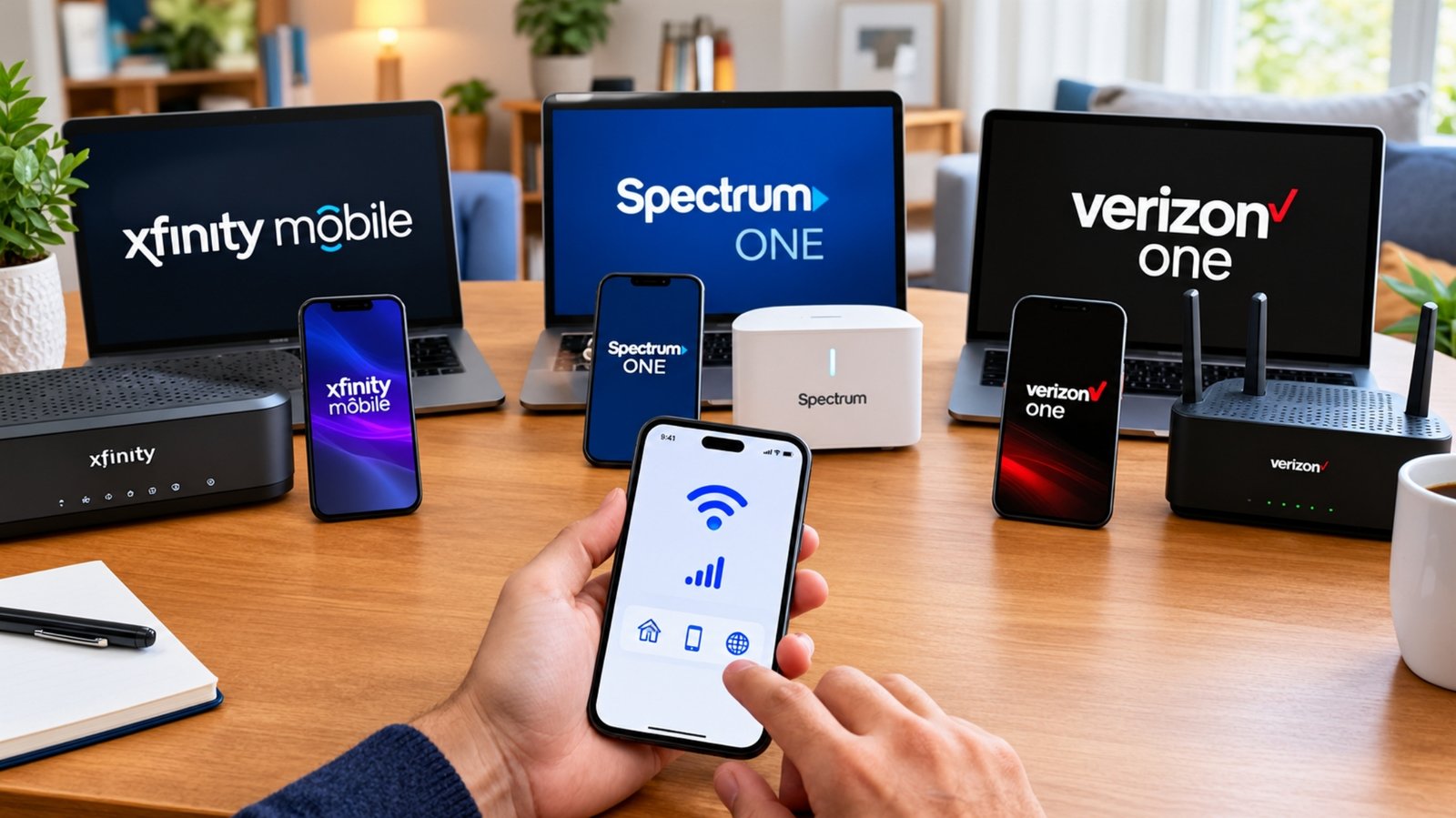

Your main internet will go down eventually — a cut line, a storm, a router that decides to take a nap during your big work call. A 5G backup line is the cheapest insurance against that, and most plans now cost less than a couple of takeout coffees a month. Here’s exactly what’s available in 2026 and how to pick the right one.
TL;DR — Quick Answer
Why a Backup Internet Line Is Worth It
Roughly one in five U.S. households loses internet at least a few times a month. Most of the time it’s a minor annoyance. But if you work from home, run a small business off your Wi-Fi, rely on a security camera or medical alert device, or just hate missing the end of a movie, an outage stops being a nuisance and starts costing you real money and stress.
A backup line solves this without paying for a full second broadband subscription. The idea is simple: a small 5G device sits quietly in your home doing nothing most of the month. The moment your cable or fiber drops, it takes over using a cellular network — usually a completely different physical path, so whatever knocked out your main line probably hasn’t touched it.
The big shift over the last two years is that the major carriers now sell these as cheap, purpose-built backup products instead of making you cobble something together yourself. That’s good news for your wallet.
5G Backup Plans Compared (2026)
Here’s how the main options stack up. “Failover” tells you whether the plan kicks in by itself or whether you have to flip it on manually when an outage hits.
| Plan | Price / mo | Data / Limit | Failover | Equipment | Best For |
|---|---|---|---|---|---|
| T-Mobile Home Internet Backup | $20 ($10 w/ voice line) | 100 hrs uncapped + 3 free passes/yr | Automatic | 5G gateway included | Best all-round pick |
| Verizon Wi-Fi Backup | ~$20 w/ AutoPay | 7 × 24-hr unlimited sessions | Manual (app) | Router included | Short, occasional outages |
| AT&T Internet Backup | Free* | Uses your wireless plan’s data | Automatic | Uses existing gateway | All-AT&T households |
| DIY router + data SIM | $15–$50 | Varies by SIM/plan | Automatic** | Buy your own (~$100–$300) | Tinkerers, heavy use |
| Phone hotspot | $0 (already have it) | Your plan’s hotspot allowance | Manual | Your phone | Quick one-device pinch |
Free with active AT&T Fiber + an eligible unlimited AT&T postpaid wireless plan. **Automatic only with a failover-capable router. Prices as of June 2026 and exclude taxes/fees.
The Best 5G Backup Plans in Detail
T-Mobile Home Internet Backup
5G fixed-wireless · nationwide
$20
/month with AutoPayJust $10/mo if you add a T-Mobile voice line
- 100 hours of uncapped 5G data each month
- 3 free “Backup Passes” a year for long outages
- Switches on automatically during an outage
- 5G gateway included — no equipment fee
- Set up in about 15 minutes
- 15-day money-back guarantee
Verizon Wi-Fi Backup
5G / 4G LTE · award-winning network
$20
/month with AutoPayOften cheapest bundled with Verizon mobile
- Seven 24-hour unlimited-data sessions a month
- Up to 50 Mbps down / 6 Mbps up
- Self-install router included
- Start each session in the Verizon Home app
- Works even without Verizon as your main ISP
- 30-day money-back guarantee
AT&T Internet Backup
For AT&T Fiber + wireless customers
$0
/month (bundled)Included free if you’re all-AT&T
- No extra equipment or plan to buy
- Kicks in automatically when fiber drops
- Uses your unlimited plan’s data (not hotspot data)
- Switches back to fiber on its own
- Turn it on in the Smart Home Manager app
- Names/addresses on both accounts must match
DIY Failover Router + Data SIM
Most flexible · most setup
$15
/month for dataPlus a one-time router cost (~$100–$300)
- True automatic failover with the right router
- Pick any carrier and data plan you want
- Pair with cheap data-only SIMs or hotspot plans
- Can double as travel/RV internet
- Best for higher data needs or frequent outages
- Requires comfort with network settings
T-Mobile used to give you 130GB of data per month. In March 2026 it switched to 100 hours of uncapped data instead. If your outages are short and you stream or game during them, this is an upgrade — you’re not watching a data meter. If you planned to run light, always-on devices for weeks, the clock is tighter. For most households it’s a wash, and the plan got cheaper, so it’s still our top pick.
The Cheapest Way to Get a Secondary Line
If “zero downtime for the lowest possible cost” is the goal, here’s the honest ranking from cheapest to most robust:
1. Your phone’s hotspot — $0
You almost certainly already have this. When the internet dies, turn on your phone’s hotspot and connect your laptop. It’s free, instant, and fine for one or two devices and light work. The catch: it drains your battery, it’s clumsy for a whole household, and most phone plans cap hotspot data at 15–30GB before throttling. Great as a true emergency stopgap, not a real solution.
2. AT&T Internet Backup — free (if you qualify)
If your household runs on AT&T Fiber and at least one unlimited AT&T phone line, this costs nothing and turns on by itself. It’s genuinely the best deal on this list — but only because you’re already paying AT&T for both pieces. You can’t buy it standalone.
3. T-Mobile or Verizon backup plan — $10–$20/mo
This is the sweet spot for most people: a dedicated device, no contract, and a price low enough that you’ll forget it’s on your bill. T-Mobile drops to $10/mo with a voice line, which is hard to beat for a true whole-home backup that switches on automatically.
4. DIY router + data SIM — $15–$50/mo + hardware
For the most control, buy a router that supports cellular failover and drop in a low-cost data plan. Budget data SIMs and prepaid hotspot plans start around $15/mo, and nonprofit programs offer unlimited cellular data in the $40–$50 range. You’ll pay $100–$300 up front for decent hardware, but you get seamless automatic failover, no monthly-session limits, and a device that doubles as travel internet.
Every plan here needs electricity. If your outage is caused by a power cut (which is often the case during storms), your backup gateway goes dark right along with your main router. The fix is cheap: a small UPS or portable power station ($40–$120) will keep a 5G gateway running for several hours. If you live somewhere with frequent storm outages, this is not optional.
How Much Data (or Time) Do You Actually Need?
Backup plans are sized for occasional use, so it helps to know what your typical outage actually consumes. Here’s a rough guide for a household riding out an outage:
| Activity during an outage | Roughly uses | Notes |
|---|---|---|
| Email, browsing, messaging | Very light | Could last days on any plan |
| Video calls / working from home | Moderate | The most common real-world reason for backup |
| HD streaming (one TV) | ~3 GB/hr | Eats time-based plans faster |
| 4K streaming / big downloads | ~7 GB/hr | Save for short bursts |
| Smart home + security cameras | Light but constant | Better suited to data-cap plans than hour-cap plans |
The takeaway: if you mostly need backup to keep working and stay reachable, any plan here is plenty. If you’ve got a houseful of people who’ll binge Netflix the second the cable dies, lean toward T-Mobile’s uncapped hours or a DIY unlimited SIM.
What to Look For in a Backup Plan
Not all backup is created equal. Before you sign up, run through these:
Pre-purchase checklist
- Confirm the carrier actually has good 5G/LTE signal at your address — backup is useless if the cellular network is weak where you live.
- Check whether failover is automatic or you have to flip it on manually during an outage.
- Look at the limit type — hours vs. data cap — and match it to how you’d use it.
- Make sure the gateway/router is included, or factor in the hardware cost.
- Ask about the device connection or activation fee (often a one-time $35).
- Add a battery/UPS to your budget if power outages are common in your area.
- Confirm there’s no contract and check the money-back window.
- Verify the bundle discount math — voice-line and AutoPay discounts change the price a lot.
Not sure which backup line fits your home?
Call (855) 696-0156
Frequently Asked Questions
Yes — that’s the whole point. These plans are designed to sit alongside your existing cable or fiber service and only take over during an outage. They’re not meant to replace your main connection, and most have limits (hours or sessions) that make them impractical as your only line. If you want to ditch your main ISP entirely, look at a full T-Mobile or Verizon 5G Home Internet plan instead.
It depends on the plan. T-Mobile Home Internet Backup and AT&T Internet Backup are automatic — they detect the outage and take over without you lifting a finger. Verizon Wi-Fi Backup is manual: you open the Verizon Home app and start a 24-hour session when you need it. A DIY failover router can be fully automatic if you set it up that way. If you want true “set it and forget it,” go with an automatic option.
Speeds vary by your location and signal, but expect anywhere from the low double digits up to around 50 Mbps on Verizon’s plan, and often faster on T-Mobile’s 5G in good coverage. That’s more than enough for video calls, streaming, browsing, and most work tasks. It won’t always match a fast fiber line, but for keeping the household running during an outage it’s plenty.
Only if you keep the gateway powered. The 5G device itself needs electricity, so during a blackout it shuts off just like your main router. A small UPS or portable battery (around $40–$120) will keep it running for several hours. If your outages are usually storm- and power-related, plan for this — otherwise your backup won’t be there when you need it most.
If you already have AT&T Fiber and an unlimited AT&T phone plan, AT&T Internet Backup is free. Otherwise, T-Mobile Home Internet Backup at $10/mo (with a T-Mobile voice line) is the cheapest dedicated option. Your phone’s hotspot is technically free too, but it’s only a short-term, single-device stopgap rather than real whole-home backup.
Yes. As of March 2026, T-Mobile replaced the old 130GB-per-month allowance with 100 hours of uncapped data per month, plus three free 100-hour “Backup Passes” a year for longer outages. You can use as much data as you want during those hours. After you run out of hours, speeds drop to a trickle (up to 600 Kbps) until your next billing cycle resets.
Not really. Backup plans are intentionally limited — by hours, sessions, or your phone plan’s data — and the carriers’ terms specifically say they’re for backup use only. If you try to live on one full-time you’ll hit the limits fast and may get throttled. If your goal is a cheap primary connection, a standard 5G Home Internet plan (around $35–$50/mo for unlimited data) is the right product.
Last updated June 2026. All prices, plans, data limits, and availability are subject to change and vary by location — please verify current offers directly with each provider before signing up. Discounts often require AutoPay, paperless billing, or a qualifying voice line. This guide is for informational purposes only and does not constitute financial or technical advice.