TL;DR:
Why Internet is Non-Negotiable for Students
Gone are the days when “I need the internet for homework” was just an excuse to browse social media. In 2025, pretty much every aspect of college life depends on having solid internet access. From Zoom lectures and online exams to group projects on Google Docs and submitting assignments through learning management systems—you literally can’t survive school without reliable WiFi.
The problem? Internet isn’t cheap, and when you’re already juggling tuition, textbooks, rent, and food, paying $70+ per month for internet feels like another punch to your already-thin wallet. That’s where student-friendly plans come in, especially those that include free equipment. Because why pay an extra $10-15/month for a modem you don’t even get to keep?
The Equipment Fee Trap
Most providers charge $10-15/month to rent their modem and router. That’s $120-180 per year! Plans with free equipment save you real money. Over a 4-year degree, that’s potentially $480-720 saved.
Top Student Internet Plans with Free Modem/Router
Spectrum Internet
$50
/month500 Mbps
- Free modem included (no rental fees!)
- No data caps or overage charges
- No annual contract required
- Free antivirus software
- Access to nationwide WiFi hotspots
- Great for multiple roommates
Cox Connect2Compete
$9.95
/month100 Mbps
- Free modem AND router
- Free self-installation kit
- No term contract
- Cox Digital Academy (educational resources)
- Access to 4M+ WiFi hotspots
- Must qualify (income-based)
Xfinity Internet Essentials
$14.95
/month75 Mbps
- Free WiFi router & modem included
- No credit check required
- No annual contract
- Low-cost computer option ($149.99)
- Free Xfinity WiFi hotspot access
- Must qualify for assistance programs
T-Mobile 5G Home
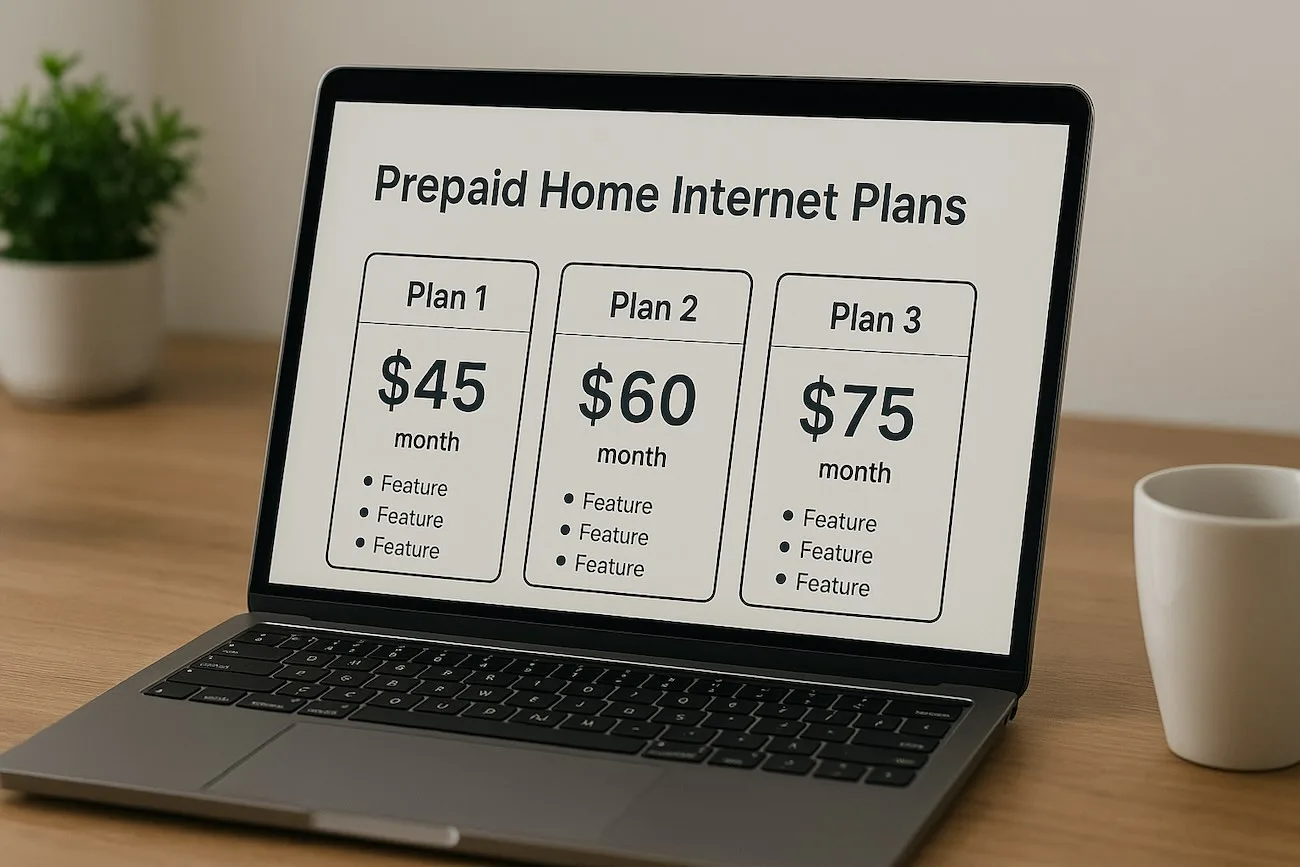
$55
/month100-245 Mbps
- Free 5G gateway (modem + router)
- No installation needed—plug & play
- No contracts or hidden fees
- Unlimited data
- 15-day money-back guarantee
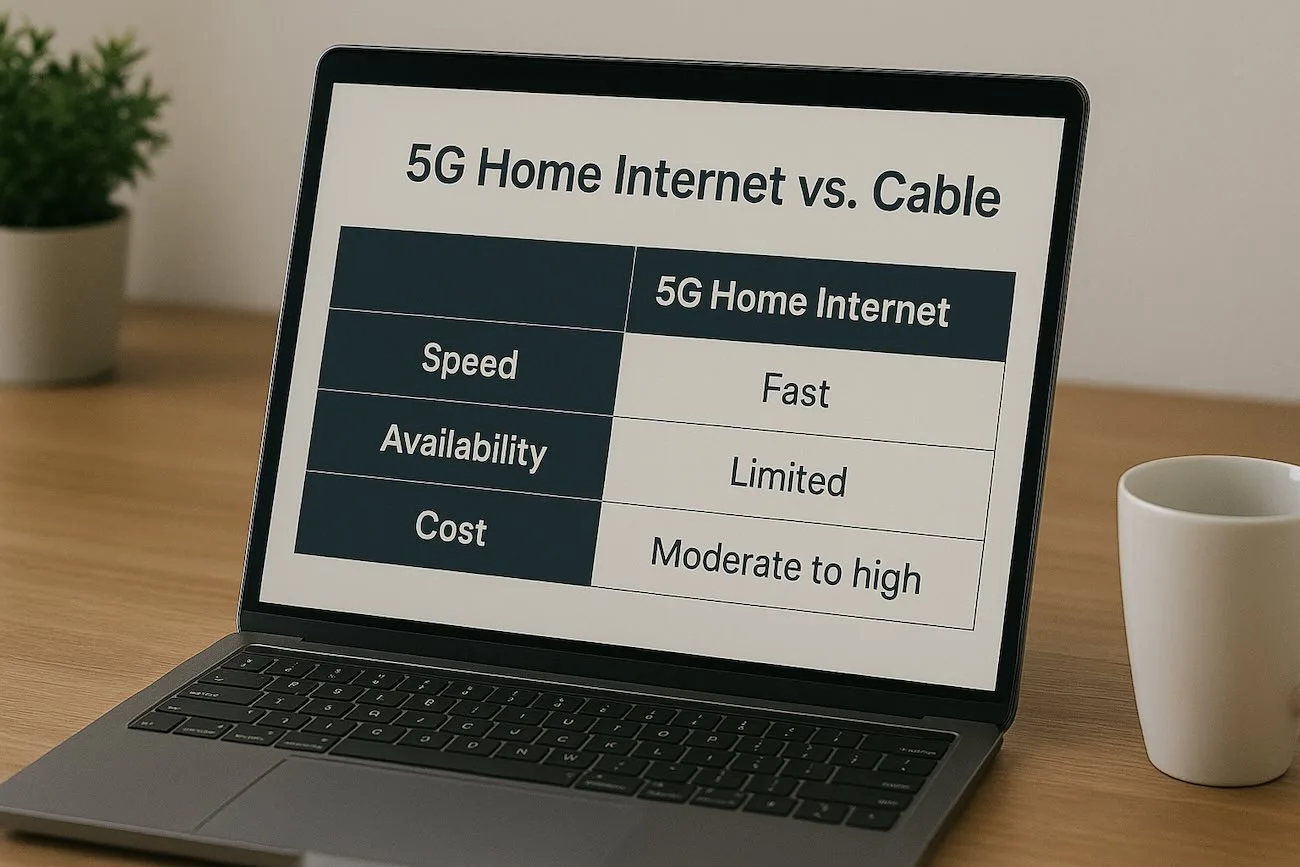
- Perfect for renters/frequent movers
Optimum Advantage
$15
/month100 Mbps
- Free modem and router
- Free professional installation
- Unlimited data included
- No credit check
- Must qualify (NSLP or SSI)
- NYC public school students
Verizon Fios
$40
/month300 Mbps
- Free router included
- $10/month student discount
- 99.9% network reliability
- Fiber-optic speeds
- No annual contract
- Requires valid .edu email
Mediacom Xtream Connect
$10
/month25-100 Mbps
- Free installation & equipment rental
- No deposits or contracts
- Online verification (SheerID)
- Income-based eligibility
- Good for basic schoolwork
- Higher speeds available for $29.99/mo
Spectrum Internet Assist
$25
/month50 Mbps
- Rent-free modem
- Free antivirus software
- Unlimited nationwide hotspot access
- No contracts
- Income-based eligibility
- Good for single students
Complete Comparison Table
| Provider | Monthly Cost | Speed | Free Equipment | Contract | Eligibility |
|---|---|---|---|---|---|
| Spectrum Internet | $50/mo | 500 Mbps | Free modem | None | Anyone |
| Cox Connect2Compete | $9.95/mo | 100 Mbps | Free modem + router | None | K-12 + income-based |
| Xfinity Essentials | $14.95/mo | 75 Mbps | Free modem + router | None | SNAP, Medicaid, etc. |
| Xfinity Essentials Plus | $29.95/mo | 100 Mbps | Free modem + router | None | SNAP, Medicaid, etc. |
| T-Mobile 5G Home | $50/mo | 100-245 Mbps | Free gateway | None | Anyone |
| Optimum Advantage | $14.99/mo | 50 Mbps | Free modem + router | None | NSLP, SSI (NYC) |
| Verizon Fios (Student) | $40/mo | 300 Mbps | Free router | None | Valid .edu email |
| Mediacom Connect2Compete | $10-30/mo | 25-100 Mbps | Free equipment | None | Income-based |
| Spectrum Internet Assist | $25/mo | 50 Mbps | Free modem | None | Income-based |
| AT&T Access | $30/mo | 100 Mbps | Free WiFi | None | SNAP, SSI, NSLP |
Government Programs for Students
Here’s something most students don’t know: if you’re on any kind of government assistance (or your family is), you likely qualify for seriously discounted internet. These programs are specifically designed to keep students connected without the financial burden.
Federal Lifeline Program
$9.25/mo OFF
Pell Grant Recipients
Multiple Programs
Project 10Million (T-Mobile)
FREE
Important: ACP Has Ended
The Affordable Connectivity Program (ACP), which provided $30/month discounts, ended in June 2024 due to lack of funding. However, the Lifeline program and provider-specific assistance programs (like Internet Essentials) are still active and available. Don’t let anyone tell you there’s no help available—there is!
How Much Speed Do Students Actually Need?
Match Your Speed to Your Activities
| Activity | Minimum Speed | Recommended |
|---|---|---|
| Zoom/Video Calls | 3-10 Mbps | 25+ Mbps |
| Netflix/Streaming (HD) | 5 Mbps | 25+ Mbps |
| Online Gaming | 10-25 Mbps | 50+ Mbps |
| Downloading Large Files | 25 Mbps | 100+ Mbps |
| Multiple Roommates | 100 Mbps | 200-500 Mbps |
| 4K Streaming | 25 Mbps | 50+ Mbps |
Real Talk:
If you’re living alone and doing basic college stuff (Zoom classes, Netflix, homework), 50-100 Mbps is plenty. Sharing an apartment with 2-3 roommates? Aim for 200+ Mbps so everyone can stream, game, and study without buffering issues.
Best Picks by Situation
Best for Apartments with Roommates: Spectrum ($50/mo)
500 Mbps is plenty for 3-4 people streaming and working simultaneously. Free modem saves everyone rental fees, and no data caps mean you won’t get throttled during finals week Netflix binges.
Best for Tight Budgets: Cox Connect2Compete ($9.95/mo)
If you qualify (income-based), this is unbeatable. 100 Mbps with free equipment for less than $10/month. That’s less than a single pizza delivery.
Best for Frequent Movers: T-Mobile 5G Home ($50/mo)
No installation, no technician visits, no hassle. Move apartments? Take your gateway with you. Perfect for students who change housing between semesters.
Best for Speed Freaks: Verizon Fios ($40/mo with discount)
300 Mbps fiber internet with $10 student discount. Fiber is more reliable than cable, with consistent speeds and low latency for gaming and video calls.
Best for Solo Students on Assistance: Xfinity Internet Essentials ($14.95/mo)
75 Mbps handles one person’s needs easily, plus you get free equipment and the option to buy a cheap laptop. Perfect for students on SNAP, Medicaid, or Pell Grants.
Pro Tips for Student Internet
Split the Bill Strategically
If you have roommates, put the internet in one person’s name and split the cost. But make sure everyone pays their share on time—late payments affect that person’s credit. Use apps like Splitwise to track expenses.
Use Your .edu Email
Some providers (like Verizon Fios) offer student discounts just for having a valid student email. Check with every provider before signing up—you might get a discount just for asking!
Mark Your Calendar
Most promotional prices last 12 months. Set a reminder for month 11 to call and negotiate a new deal or switch providers before your rate increases.
Check Campus Resources First
Many universities have partnerships with ISPs or can point you to student assistance programs. Your campus IT department or financial aid office might know about deals you won’t find online.
Don’t Rent Equipment
This is the whole point! Choose providers that include free modems/routers. If a plan charges rental fees, either negotiate to have them waived or consider buying your own equipment (pays for itself in 6-12 months).
Leverage WiFi Hotspots
Many student plans include access to nationwide WiFi hotspots. Use these on campus, at libraries, or coffee shops to save your home bandwidth for heavy lifting like gaming or 4K streaming.
Common Mistakes Students Make
Overpaying for Speed You Don’t Need
Unless you’re streaming in 4K, running a server, or have 4+ heavy users, you probably don’t need gigabit internet. 100-300 Mbps handles most student needs perfectly. Don’t let salespeople upsell you on speeds that won’t improve your actual experience.
Ignoring the Fine Print
That $30/month promotional rate? It might jump to $70 after year one. Always ask: “What’s the price after the promo ends?” and “Are there any equipment fees?” Read the contract before signing.
Not Checking for Assistance Programs
Pride shouldn’t stop you from saving money. If you’re on SNAP, Medicaid, Pell Grants, or any assistance program, you likely qualify for $10-30/month internet. That’s $240-360/year saved—that’s a semester’s worth of textbooks.
Signing Long-Term Contracts
As a student, your housing situation probably changes annually. Avoid contracts with early termination fees. Most student-friendly providers offer month-to-month or no-contract options.
Frequently Asked Questions
Yes, but they’re not as common as you’d think. Verizon Fios offers $10/month off for verified college students with a valid .edu email. Xfinity occasionally runs student promotions. Most other “student deals” are actually low-income programs that many students qualify for through programs like Pell Grants, SNAP, or Medicaid. Always ask specifically about student discounts when you call—some reps have access to unadvertised deals.
When a provider says free equipment, they mean you don’t pay monthly rental fees for the modem and/or router needed to connect to the internet. Spectrum, for example, includes a free modem (typically $10-15/month savings). T-Mobile includes a free gateway (combined modem/router). Some low-income programs like Cox Connect2Compete include both modem AND router free. Always confirm exactly what equipment is included and whether there are any fees.
Usually yes, but not always. Check your provider’s approved equipment list first. Using your own equipment can save money IF the provider charges rental fees. However, if the equipment is already free (like with Spectrum or T-Mobile), there’s no financial benefit to bringing your own. Plus, if something goes wrong, the provider can’t always troubleshoot third-party equipment. Stick with the free provided equipment unless you have a specific reason not to.
Qualification typically requires participation in one or more government assistance programs: SNAP (food stamps), Medicaid, SSI, Federal Public Housing Assistance, Pell Grants, National School Lunch Program (NSLP), or income below 135-200% of federal poverty guidelines. You’ll need to provide documentation when applying—usually a benefits letter or award statement. If you receive any of these benefits, you almost certainly qualify for discounted internet.
For basic Zoom video calls, 3-4 Mbps is technically enough. But for reliable HD video with screen sharing and minimal lag, aim for 25+ Mbps. If multiple people in your apartment have Zoom calls simultaneously, multiply accordingly. Most student plans start at 50-100 Mbps, which handles multiple video calls easily. Pro tip: Use wired ethernet for important calls or exams—WiFi can be finicky.
With traditional cable/fiber providers (Spectrum, Xfinity, etc.), you’ll need to transfer service to your new address—same account, new location. It usually takes a few days and might require a technician visit. With T-Mobile 5G Home Internet, you literally just unplug your gateway and take it with you—plug it in at your new place and you’re online. This is why T-Mobile is great for students who move frequently.
It depends on the provider and plan. Traditional plans from Spectrum, Xfinity, and Verizon typically require credit checks, which can be tricky for students with no credit history. However, low-income programs (Internet Essentials, Connect2Compete, etc.) explicitly do NOT require credit checks. T-Mobile 5G Home Internet is also relatively credit-friendly. If credit is a concern, look for plans that specifically mention “no credit check required.”
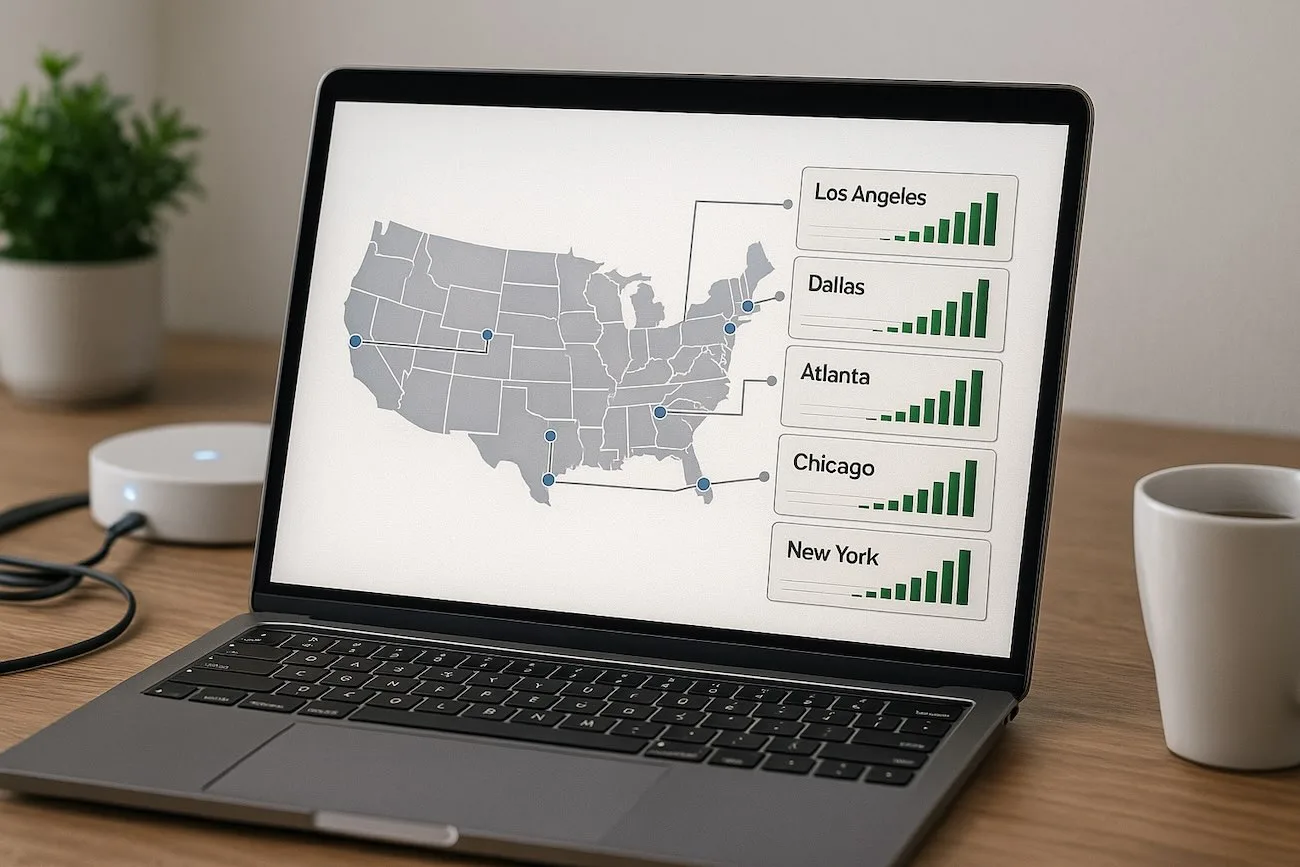
First, check which providers actually service your specific address (not just your city). Use each provider’s online availability checker. If your preferred provider isn’t available, T-Mobile 5G Home Internet has the widest coverage (60% of US households) and requires no physical infrastructure at your location. If you’re truly in a dead zone, satellite internet (Starlink) is an option but expensive at $120/month. In some areas, campus WiFi or mobile hotspots might be your best bet.
Depends on your situation. Living alone and just doing basic schoolwork? A $15-25/month plan with 50-100 Mbps is plenty. Sharing an apartment with roommates who all stream, game, and video call? Spend the extra money for 200-500 Mbps to avoid lag and arguments. The sweet spot for most students is the $30-50/month range, which gets you 100-500 Mbps with free equipment and no contracts. Don’t overpay for gigabit speeds unless you genuinely need them.
Bottom Line
The internet isn’t optional anymore—it’s as essential as textbooks and coffee. But that doesn’t mean you need to sacrifice a huge chunk of your budget for it. With the right plan, you can get reliable, fast internet with free equipment for anywhere from $9.95 to $50 per month.
If you qualify for low-income programs (and many students do), take advantage of them. There’s no shame in saving $30-40/month on something you need. That’s $360-480/year that can go toward rent, food, or paying down student loans.
For students without income-based eligibility, Spectrum’s $50/month plan with a free modem is hard to beat—500 Mbps handles a full apartment of streamers and gamers without breaking a sweat. And if you move around a lot, T-Mobile’s plug-and-play setup saves you the headache of installation appointments and service transfers.
Final Advice
Check your eligibility for assistance programs first. Apply for every discount you might qualify for. Choose a plan with free equipment. Avoid long-term contracts. And remember: the best internet plan is one that fits your budget without making you stress about whether you can afford your WiFi bill.
Disclaimer: November 2025. Prices, plans, and availability are subject to change. Eligibility requirements for assistance programs vary by provider and location. Always verify current offers and your eligibility directly with providers before signing up.