TL;DR:
Why Ping Matters More Than Download Speed for Gaming
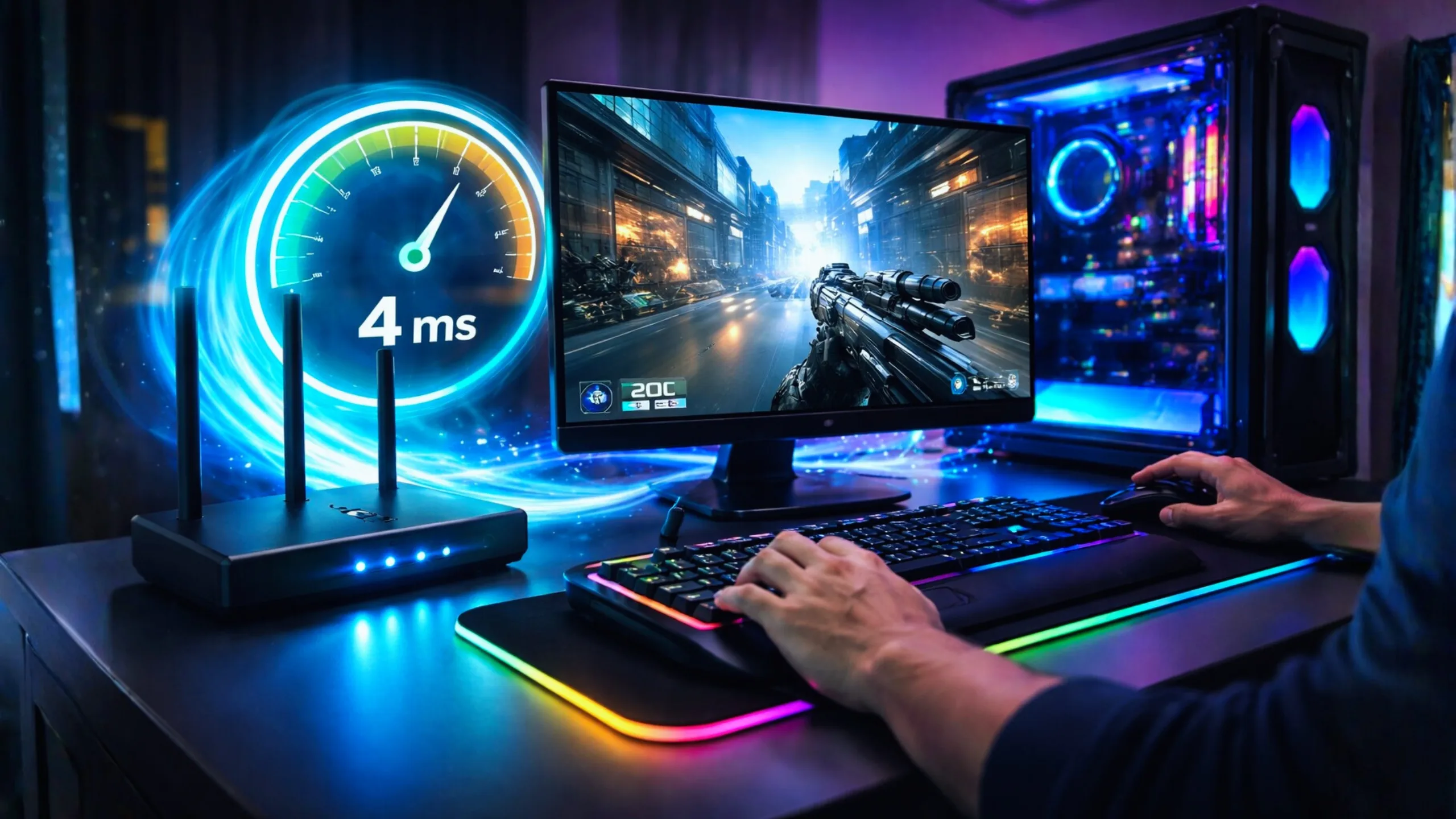
Here’s a truth most ISP ads won’t tell you: your download speed barely matters for gaming. Seriously. Most online games use less than 1 Mbps of bandwidth during actual gameplay. What kills your experience isn’t speed—it’s latency.
Latency, measured as “ping” in milliseconds (ms), is the time it takes for your actions to reach the game server and come back. When you pull the trigger in Valorant or Warzone, a 10 ms ping means the server knows about it almost instantly. A 70 ms ping? Your opponent has already moved. That split-second gap is the difference between clutching a round and spectating from the death screen.
So when we say “best internet for gaming,” we really mean “lowest, most consistent ping.” And that starts with choosing the right provider and connection type.
What Speed Do You Actually Need Per Game Type?
Ping: Under 20 ms ideal
Ping: Under 50 ms fine
Ping: Under 40 ms needed
Ping: Under 30 ms ideal
Top Internet Plans for Low-Ping Gaming
We looked at independent speed tests, FCC broadband data, and real user reports to find the ISPs that actually deliver low ping—not just fast downloads. Here are the top picks for 2025–2026.
Verizon Fios
$34.99
/month300 Mbps – 2 Gbps Symmetrical
- Lowest tested ping: avg. ~12–18 ms
- Packet loss below 0.2% (FCC data)
- Symmetrical upload/download speeds
- No data caps on any plan
- Price lock guarantee up to 5 years
- Wi-Fi 6E router included free
- No contracts required
Frontier Fiber
$30
/month500 Mbps – 7 Gbps Symmetrical
- Near-LAN ping: avg. ~7–12 ms
- Fastest tested residential ISP in US
- Unlimited data, no caps
- Wi-Fi 7 router included
- Plans up to 7 Gbps symmetrical
- No contracts
- 7.8M+ addresses covered
Google Fiber
$70
/month1 Gbps – 8 Gbps Symmetrical
- Avg. ping: ~28 ms (single-digit local)
- 99.98% uptime — best in class
- Google backbone routing = fewer hops
- Unlimited data, no throttling
- No annual contracts
- Up to 8 Gbps plans available
- 20-gig tier in trial markets
AT&T Fiber
$35
/month1 Gbps – 8 Gbps 300 Mbps – 5 Gbps Symmetrical
- Avg. ping: ~28.9 ms nationwide
- Largest US fiber footprint: 30M+ homes
- 99.94% uptime
- Symmetrical speeds on all fiber plans
- No data caps on fiber
- Plans up to 5 Gbps in select areas
- Solid price-to-performance value
Xfinity
$40-50
/month300 Mbps – 2 Gbps
- Avg. ping: ~15–25 ms
- Widest cable coverage in US
- 5-year price guarantee available
- Unlimited data now on all plans
- DOCSIS 4.0 upgrades rolling out
- No contract options available
- Good for gamers without fiber access
Spectrum
$30
/month100 Mbps – 1 Gbps
- Avg. ping: ~20–27 ms
- Zero data caps — a huge plus
- No contracts required
- Free modem included
- Consistent speeds even at peak hours
- 30-day money-back guarantee
- 2nd widest US cable coverage
Head-to-Head Comparison: Gaming ISPs Ranked
Here’s the data that actually matters when you’re picking an internet plan for gaming. We’ve sorted by average ping because that’s what determines your in-game experience more than anything else.
| Provider | Type | Avg. Ping | Speed Range | Price/mo | Data Caps | Contract |
|---|---|---|---|---|---|---|
| Frontier Fiber | Fiber | 7–12 ms | 500 Mbps – 7 Gbps | $30–$80 | None | No |
| Verizon Fios | Fiber | 12–18 ms | 300 Mbps – 2 Gbps | $50–$90 | None | No |
| AT&T Fiber | Fiber | 15–29 ms | 300 Mbps – 5 Gbps | $55–$250 | None (fiber) | No |
| Google Fiber | Fiber | ~28 ms avg | 1 Gbps – 8 Gbps | $70–$150 | None | No |
| Xfinity | Cable | 15–25 ms | 300 Mbps – 2 Gbps | $40–$100 | Unlimited (new) | Optional |
| Spectrum | Cable | 20–27 ms | 100 Mbps – 1 Gbps | $30–$70 | None | No |
| T-Mobile 5G Home | 5G Wireless | 25–45 ms | 72–245 Mbps typical | $35–$50 | None | No |
| Starlink | Satellite (LEO) | 25–60 ms | Up to 200 Mbps | $120 | Soft cap | No |
Focus on the ping column first—that’s what actually impacts your gameplay moment to moment. Then check if the provider has data caps (game downloads eat data fast), and finally look at the contract situation. Speed matters least for gaming, but it matters a lot for downloading 100 GB game updates.
Fiber vs Cable vs 5G: Which Connection Type Is Best for Gaming?
This is really the big question behind everything. The provider matters, sure—but the connection type is what fundamentally determines your ping floor. Let’s break down why.
Fiber Optic — The Gold Standard
Fiber transmits data as light through glass strands. That’s not a marketing gimmick—light literally travels faster and more directly than electrical signals over copper. The result? Ping times that regularly sit between 5 and 20 ms, with almost zero jitter. Your 8 PM gaming session feels the same as 3 AM because fiber doesn’t slow down during peak hours the way cable does.
The other big deal is symmetrical speeds. When your upload matches your download (say, 1 Gbps both ways), your voice chat, Twitch stream, and game data don’t compete with each other. Cable can’t touch that.
Cable Internet — The Reliable Runner-Up
If fiber isn’t in your neighborhood yet, cable is your next best bet. Modern cable using DOCSIS 3.1 (and now 4.0 in some areas) can deliver solid gaming performance. Xfinity and Spectrum regularly hit 15–27 ms ping, which is perfectly fine for most games—even competitive ones.
The downside? Cable is a shared medium, meaning your bandwidth gets divided among neighbors. During peak evening hours, you might see slight ping spikes. It’s rarely dramatic, but if you’re grinding ranked matches in Valorant, you’ll notice it.
5G Home Internet — Good Enough for Casual Gaming
T-Mobile and Verizon 5G Home Internet can actually work for gaming if you’re not trying to go pro. Average ping sits around 25–45 ms, which is fine for Fortnite, Minecraft, or most RPGs. But for competitive FPS games where every millisecond counts, that extra latency adds up. Weather, tower distance, and network congestion can also cause inconsistent performance.
Satellite internet (even Starlink) has latency issues that make fast-paced competitive gaming frustrating. Traditional satellite averages 500+ ms ping. Starlink’s LEO satellites bring it down to 25–60 ms which is playable for casual games, but the frequent spikes and packet loss make ranked competitive play unreliable. If you’re in a rural area with no fiber or cable, Starlink is your best bet—but set expectations accordingly.
7 Ways to Lower Your Ping (Even on Your Current Plan)
Switching ISPs helps, but there are things you can do right now to squeeze better latency out of whatever connection you have.
Do These Things
- Use a wired Ethernet connection (Wi-Fi adds 5–15 ms)
- Connect to the closest game server region
- Close background apps and downloads during gaming
- Enable QoS (Quality of Service) on your router
- Use a gaming router with traffic prioritization
- Upgrade to a DOCSIS 3.1 modem if on cable
- Restart your router/modem weekly to clear cache
Avoid These Mistakes
- Gaming on Wi-Fi when Ethernet is available
- Running Steam/Xbox updates while playing
- Using your ISP’s free router (they’re usually slow)
- Ignoring your router’s firmware updates
- Playing on far-away servers (US West from East Coast)
- Sharing bandwidth with 4K streaming during matches
- Stacking VPNs (they almost always add latency)
If you do nothing else, plug in an Ethernet cable. Going from Wi-Fi to wired can instantly cut 5–15 ms off your ping and eliminate the random lag spikes caused by wireless interference. It’s free and takes 30 seconds. Every esports pro plays on wired for a reason.
Our Verdict: Which Plan Should You Pick?
If fiber is available at your address, get fiber. That’s really the short version. Verizon Fios and Frontier Fiber consistently deliver the lowest ping in independent tests, and both offer competitive pricing with no data caps or contracts.
If fiber isn’t available, Xfinity and Spectrum are excellent cable alternatives that’ll keep you under 30 ms ping for most games. And if you’re in a rural area with limited options, Starlink is playable for casual gaming—just don’t expect esports-level consistency.
Whatever you pick, remember: plug in an Ethernet cable, pick the closest game server, and close background downloads. Those three things matter almost as much as your ISP choice.
Frequently Asked Questions
Under 20 ms is excellent and considered esports-ready. Between 20–50 ms works well for most online games including shooters, MOBAs, and racing games. Anything above 100 ms will cause noticeable lag, rubber-banding, and delayed inputs that make competitive play nearly impossible.
In almost every case, yes. Fiber delivers lower and more consistent latency because light signals through glass experience less interference and degradation than electrical signals over copper. That said, modern cable providers like Xfinity can achieve 15–25 ms ping, which is still very good. The biggest difference is consistency—fiber rarely spikes during peak hours, while cable can.
Online gaming itself uses surprisingly little bandwidth—usually 1–3 Mbps during gameplay. But you’ll want at least 100 Mbps for a smooth overall experience because game downloads (often 100+ GB), system updates, and other household activities run simultaneously. If you’re streaming to Twitch while gaming, aim for at least 300 Mbps with strong upload speeds.
Casual gaming? Absolutely. 5G home internet from T-Mobile or Verizon typically delivers 25–45 ms ping, which is fine for Fortnite, Minecraft, MMOs, and most multiplayer titles. But for competitive FPS games like Valorant, CS2, or ranked Apex Legends where every millisecond matters, 5G’s occasional latency spikes can cost you rounds. If you have the option, fiber or cable is always a safer choice for serious competitive play.
A gaming router won’t magically lower your base ping to the game server—that’s determined by your ISP and connection type. But a good gaming router with QoS (Quality of Service) can prioritize gaming traffic over other household traffic, reducing those frustrating lag spikes when someone starts streaming Netflix mid-match. If you’re on Ethernet, a basic router works fine. If you must use Wi-Fi, a gaming router with Wi-Fi 6E or 7 can make a noticeable difference.
In 95% of cases, no—a VPN adds an extra stop for your data, which increases latency. However, some gaming-specific VPNs like ExitLag claim to optimize routing paths, which can occasionally reduce ping if your ISP has poor routing to a specific game server. But for most people, a VPN will add 5–30 ms of extra latency. Skip it unless you’re dealing with very specific routing issues.
Online gameplay uses very little data—roughly 40–150 MB per hour. But game downloads are huge. A single AAA title like Call of Duty can be 150+ GB. Cloud gaming services eat up to 15 GB per hour at 4K. If your ISP has a 1.2 TB cap, you could hit it in under 100 hours of cloud gaming. That’s why we recommend plans with unlimited data, especially if your household also streams video.
For casual games, Starlink works. Its LEO satellites deliver 25–60 ms latency—way better than traditional satellite at 500+ ms. But the connection can be inconsistent, with occasional spikes and brief dropouts. For single-player or turn-based games, it’s totally fine. For competitive multiplayer, you’ll have a rough time. If you’re in a rural area with no fiber or cable, Starlink is your best (and sometimes only) option for playable online gaming.
Last updated February 2026. Prices, speeds, and availability may vary by location and are subject to change. Ping values are based on independent speed tests and FCC broadband data—your actual results will depend on your location, network congestion, distance to game servers, and hardware setup. We’re not affiliated with any ISP mentioned in this guide. Always verify current pricing and availability at your address before signing up.