TL;DR:
Streaming needs steady bandwidth (about 5–10 Mbps for HD and 15–25 Mbps for 4K per screen), while gaming cares more about low ping (<30 ms) and low jitter (<10 ms) than huge speeds. Plans around 100–300+ Mbps feel great for busy homes, but even 100–300 Mbps is plenty if latency is stable. For the smoothest play and fewer buffering moments, use Ethernet when possible, place the router well, and turn on QoS to prioritize your console/PC or TV.
Let’s be honest—nothing ruins a chill evening faster than a lag spike right when you’re about to win or a movie that keeps buffering during the best scene. You know what? Getting the “right” speed isn’t actually hard; it’s just about matching numbers to how you live online.
Here’s the thing: the perfect connection isn’t only about big download numbers. For gaming, latencyand jitter matter even more than raw speed. For streaming, consistent bandwidth is the star. Once you know which dials to watch, the rest gets easy.
Below is a friendly, no-nonsense guide that tells you exactly what to aim for—plus a few tested tips so your phone, console, or smart TV plays nice with your Wi-Fi.
Speed vs quality—the simple rule
Think of your connection like a road. Download speed is how many lanes you have. Upload speed is the return trip. Ping is how far the road stretches between you and the server. Jitter is how bumpy the pavement feels. For streaming, you need lanes. For gaming, you need a short, smooth road.
If you’re mostly watching YouTube, Netflix, or Prime Video, focus on Mbps. If you’re playing Valorant, COD Mobile, Fortnite, or FIFA Online, focus first on ping and jitter—then worry about Mbps.
The four metrics that actually matter
Download speed (Mbps): How fast you receive data. More matters for streaming, downloads, and updates.
Upload speed (Mbps): How fast you send data. Crucial for live streaming, cloud saves, and voice chat.
Ping (ms): The time it takes to talk to the server and back. For gaming, under 30–50 ms feels snappy; under 20 ms is chef’s kiss.
Jitter (ms): How much your ping bounces around. Keep it under 10–15 ms if you can.
Bonus—packet loss: Aim for 0%. Anything over 1% gets noticeable in matches and video calls.
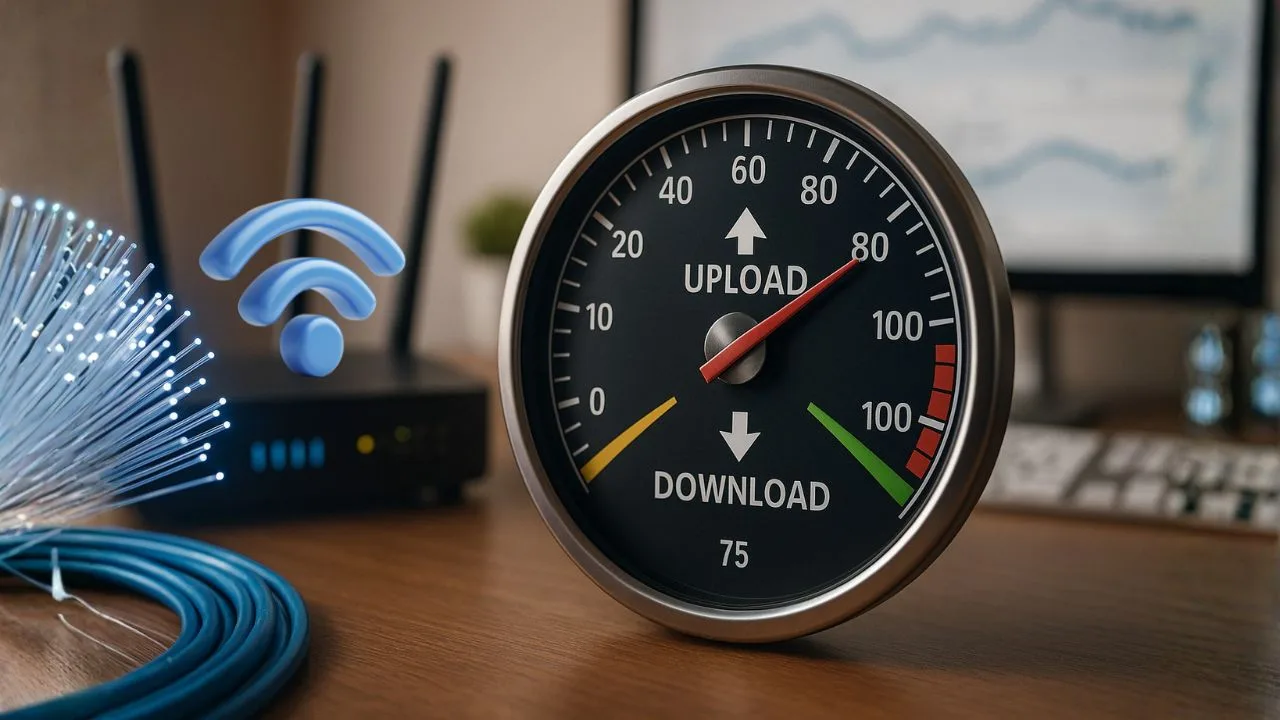
Good internet speed for streaming
You don’t need a monster plan to watch comfortably; you need steady speed.
SD (480p): ~3–5 Mbps per stream
HD (720p/1080p): ~5–10 Mbps per stream
4K UHD (2160p): ~15–25 Mbps per stream (some services recommend 25)
Live TV sports: Similar to HD/4K but needs steadier bandwidth—lean higher within the ranges
Uploading while watching? Add 5–10 Mbps of headroom
If your home streams on multiple screens, multiply by the number of TVs/phones running at the same time. Example: two 4K streams + a phone on TikTok = ~55–65 Mbps comfortable baseline.
Good internet speed for gaming
Here’s where people get surprised: most online games don’t need huge download speeds. They need low latency.
Casual online play
Minecraft, FIFA, Genshin Impact
*Light matchmaking and co-op; stability matters but it’s forgiving across console/PC/mobile.
Download: 10–25 Mbps
Upload: 2–5 Mbps
Ping: ≤50 ms ideal, ≤75 ms ok
Jitter: ≤15 ms
Packet loss: 0% (≤0.3% max)
Competitive FPS / ranked
Valorant, CS2, Apex, COD Ranked
*Precision aim and hit-reg; keep latency and jitter ultra-low—stability beats raw speed.
Download: 25+ Mbps
Upload: 5–10 Mbps
Ping: ≤20 ms ideal, ≤35 ms playable
Jitter: ≤5 ms
Packet loss: 0% (≤0.1% max)
Cloud / remote gaming
GeForce NOW, Xbox Cloud, PS Remote Play
*Streamed video + input to the cloud; you need steady bandwidth and rock-solid latency.
1080p60: 15–25 Mbps down
1440p/4K: 35–45+ Mbps down
Upload: 5–10 Mbps steady
End-to-end latency: ≤40 ms ideal, ≤60 ms playable
Jitter: ≤10 ms
Packet loss: 0%
One more thing: game updates can be huge. That’s where higher download speeds (100–300 Mbps) save time. They don’t change match performance, but they do cut waiting.
Mobile users—5G vs 4G, hotspots, and data caps
If you mostly play or stream on a phone:
- 5G is great when the signal is strong—fast downloads and decent ping. In congested areas, speeds can swing.
- 4G/LTE can be perfectly fine for gaming if ping is steady under ~50 ms.
- Hotspots work, but watch deprioritization (speeds can slow during busy hours) and data caps or throttling after a threshold.
- For mobile streaming in 4K, give yourself 25–30 Mbps cushion; for mobile gaming, consistency beats peak speed every time.
A quick cheat sheet you can screenshot
| Activity | Download (Mbps) | Upload (Mbps) | Ping (ms) | Jitter (ms) |
|---|---|---|---|---|
| SD streaming | 3–5 | 1 | n/a | n/a |
| HD streaming | 5–10 | 1–2 | n/a | n/a |
| 4K streaming | 15–25 | 2–5 | n/a | n/a |
| Casual gaming | 10–25 | 2–5 | ≤50 | ≤15 |
| Competitive gaming | 25+ | 5–10+ | ≤30 (≤20 ideal) | ≤10 |
| Cloud gaming 1080p | 15–25 | 5–10 | ≤40 | ≤10 |
| Cloud gaming 4K | 35–45+ | 10+ | ≤30 | ≤8 |
Tip: multiply streaming numbers by the number of simultaneous streams.

Test your connection the right way
Don’t guess. Run two quick checks:
Speedtest by Ookla
Speedtest by Ookla is a quick, free tool to check your internet performance. It measures download, upload, ping, and jitter using a massive global server network to pick a nearby test server for accuracy. You can run it on the web or via mobile/desktop apps, save results, and use them to troubleshoot Wi-Fi issues or compare your ISP’s real-world speeds.
Fast.com
Fast.com is a minimalist internet speed test by Netflix. It auto-starts and focuses on real-world download speed, using Netflix’s content delivery network to mimic streaming conditions. Tap Show more info to see upload and latency, making it handy for diagnosing buffering or playback issues.
Run tests near your TV/console/phone, then again next to the router. If numbers jump when you’re close to the router, Wi-Fi is the bottleneck—not your plan.
Easy fixes when things feel slow
Let me explain—most “slow internet” problems are really Wi-Fi and network-crowding problems. Try these simple wins:
- Use Ethernet for the console/TV you care about most. It’s boring, it’s wired, it works.
- Pick the right band:
- 5 GHz (or Wi-Fi 6/6E’s 6 GHz) = faster and less crowded, best for gaming and streaming nearby.
- 2.4 GHz = longer range through walls, but slower and more interference.
- Move the router to a central, elevated spot; avoid inside cabinets.
- Turn on QoS (Quality of Service) and prioritize your console, smart TV, or streaming device—most modern routers have a simple toggle.
- Update your router firmware and consider a Wi-Fi 6/6E router if yours is old.
- Limit background hogs: pause big downloads, cloud backups, and 4K streams during matches.
- Reduce bufferbloat: Some routers offer a “Smart Queue Management” or “Traffic Prioritization” setting—worth enabling to keep latency stable while the network is busy.
If none of that helps, call your provider and ask about signal levels (for cable/fiber) or tower congestion (for mobile home internet). Sometimes a plan bump or a better modem/router makes a real difference.
A small, friendly table you can bookmark
Minimums for a smooth experience (per active user):
| Activity | Download | Upload | Ping | Notes |
|---|---|---|---|---|
| 1080p streaming | 10 Mbps | 1–2 Mbps | n/a | Per stream; add headroom |
| 4K streaming | 30 Mbps | 3–5 Mbps | n/a | Per stream; HDR leans higher |
| Casual gaming | 25 Mbps | 5 Mbps | ≤ 60 ms | Watch jitter under 15 ms |
| Competitive gaming | 50 Mbps | 10 Mbps | ≤ 30 ms | Ethernet if possible |
| Cloud gaming | 50–100+ Mbps | 10–20 Mbps | ≤ 40 ms | Stable Wi-Fi or Ethernet |
| 1080p live streaming | 25–40 Mbps | 8–12 Mbps | ≤ 60 ms | Extra room = fewer drops |
How to pick a plan without overpaying
A simple rule of thumb: add up your peak simultaneous use, then add a 30–50% cushion.
Example home: one 4K TV stream (25 Mbps), a second HD stream (10 Mbps), one phone scrolling, and a console downloading an update (let’s say 50 Mbps if you’re patient, 150 Mbps if you’re not). That’s ~85–185 Mbps. With cushion, a 200–300 Mbps plan feels smooth and future-proof for most families. If you host game nights or stream in 4K on multiple screens, 500 Mbps+ makes life easier. For solo mobile users, you can go much lower—just keep an eye on ping.
A tiny tangent on numbers that confuse people
MB/s vs Mbps: apps often show MB/s (megabytes per second), but plans are Mbps (megabits per second).
1 MB/s ≈ 8 Mbps. If your download shows 12 MB/s, that’s about 96 Mbps—right on track for a 100 Mbps plan.
If you remember only one line, make it this: Streaming loves bandwidth; gaming loves low, steady latency. For streaming, aim for 5–10 Mbps (HD) or 15–25 Mbps (4K) per screen. For gaming, aim for ping under 30–50 ms, jitter under 10–15 ms, and upload 5–10 Mbps to keep voice chat and cloud saves happy.
Honestly, that’s it. Run a quick test, tweak a setting or two, and enjoy a smoother night. What’s your current ping looking like—under 40 ms yet?
Frequently Asked Questions
Yes—600 Mbps is more than enough for gaming. Most titles need only 5–20 Mbps, so 600 leaves tons of room for big downloads, party chat, and other devices streaming in 4K at the same time. For smooth matches, keep an eye on ping (<30 ms) and jitter (<10 ms) along with speed.
Pick 300 Mbps for small households (a few devices, HD/occasional 4K streaming). Choose 500 Mbps if you’ve got multiple users, smart TVs running 4K, cloud backups, or you want faster game updates. When in doubt, go 500—especially if several people are online every evening.
Yes. 300 Mbps easily handles online play and quick downloads. What matters most in-game is low latency. Use a wired Ethernet connection if you can, update your router firmware, and keep jitter low so your inputs feel instant.
For a balanced setup, aim for at least 25 Mbps down / 5 Mbps up per active user or screen. For households with multiple 4K streams or competitive play, 100–300+ Mbps feels better. Remember: ping under 20–30 ms and jitter under 10 ms are key for gaming quality.
Absolutely. 500 Mbps is excellent—more than enough bandwidth for online matches, fast patches, and several devices streaming at once. You’ll still want stable latency; if others are downloading while you play, enable QoS on the router to prioritize your console or PC.
Usually, yes. 100 Mbps supports online gaming and a couple of HD streams without drama. If you’re doing multiple 4K streams or large downloads during matches, you may feel congestion—use Ethernet, pause background downloads, or consider a higher-tier plan.