TL;DR:
So What’s the Deal with IP Addresses?
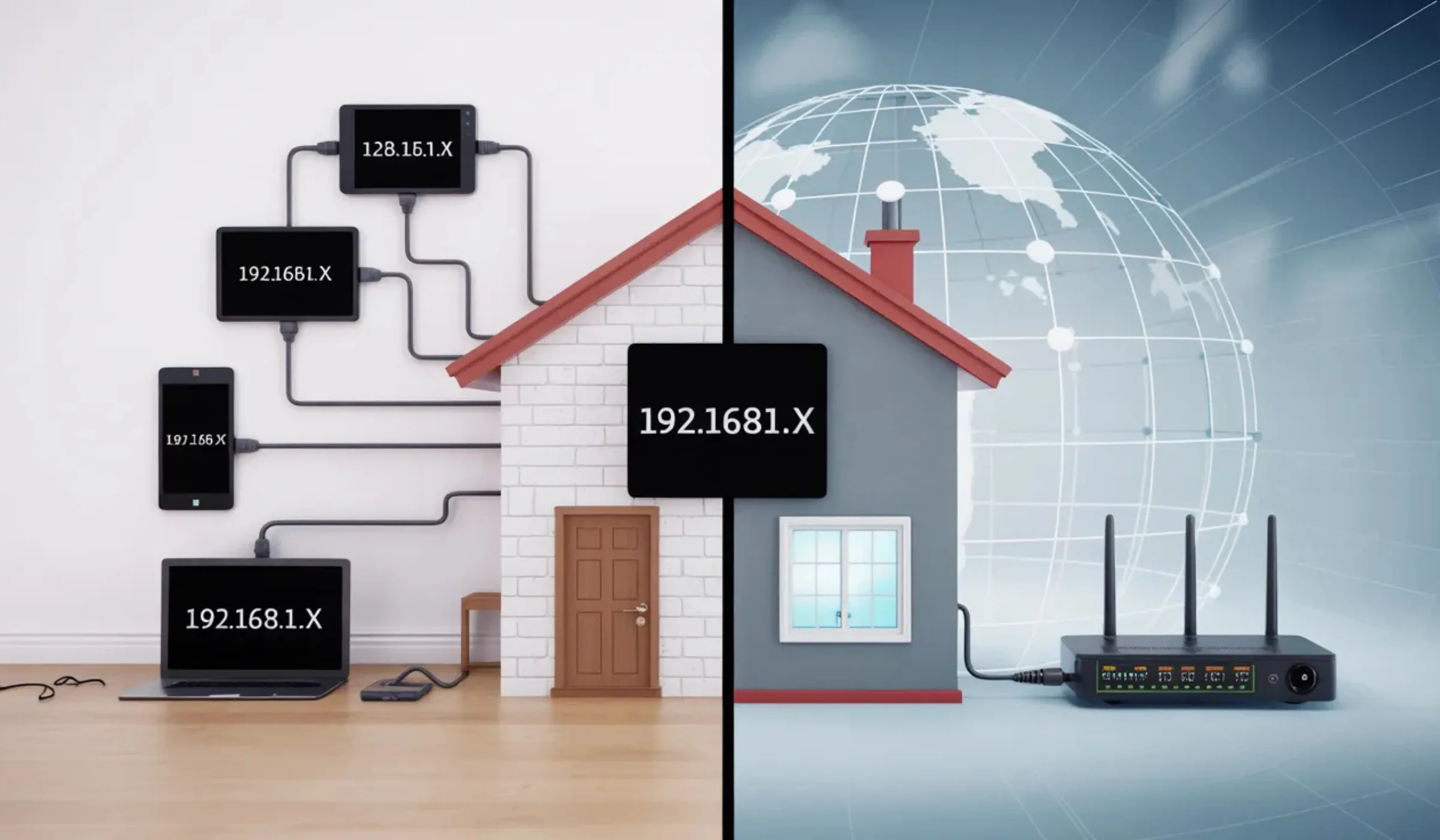
Think of it like your home address versus your apartment number. Your building’s street address (public IP) is how the postal service finds you. But your apartment number (private IP) is how mail gets to your door specifically, not your neighbor’s.
Every device connected to the internet needs an IP address to send and receive data. But here’s the part most people miss—you don’t just have one IP address. You’ve got at least two. Your router gets a public IP from your internet service provider, and then it hands out private IPs to every device in your home. Your laptop, phone, smart TV, and that smart fridge you probably didn’t need—they all have their own private IP.
Understanding this isn’t just nerdy trivia. It directly affects your online privacy, your network security, and whether you can do things like set up a home server or use a VPN effectively.
Public IP vs Private IP — Side by Side
Your Internet Address
Also called: External IP, WAN IP
- Assigned by your Internet Service Provider (ISP)
- Globally unique — no two are the same
- Visible to every website, app, and service you use
- Can reveal your approximate location (city-level)
- Usually changes periodically (dynamic IP)
- One per household (shared across all your devices)
- Required to connect to the internet
- Can be hidden using a VPN
Looks like: Any number not in the private ranges below
Your Local Device Address
Also called: Internal IP, Local IP, LAN IP
- Assigned by your router (via DHCP)
- Only unique within your own network
- Invisible to the outside internet — completely hidden
- Cannot reveal your location to anyone
- Can be the same in millions of different homes
- Each device on your network gets its own
- Cannot connect to the internet directly
- Used for communication between your devices
10.0.0.0 – 10.255.255.255
172.16.0.0 – 172.31.255.255
192.168.0.0 – 192.168.255.255
Head-to-Head Comparison: Public vs Private IP
| Feature | 🌍 Public IP Address | 🏠 Private IP Address |
|---|---|---|
| Assigned by | Your ISP (Internet Service Provider) | Your router via DHCP |
| Visibility | Visible to the entire internet | Only visible within your local network |
| Uniqueness | Globally unique—no two are the same | Can be reused across different networks |
| Purpose | Connect your network to the internet | Connect devices within a local network |
| Security Risk | Higher—exposed to online threats | Lower—hidden behind NAT/firewall |
| Traceability | Can reveal your general location | Cannot be traced from outside |
| Cost | Static IPs may cost extra ($5–15/mo) | Free—automatically assigned |
| Example | 203.0.113.45, 72.14.207.99 | 192.168.1.1, 10.0.0.5 |
| Can Host a Server? | Yes—accessible from anywhere | No—not reachable from outside |
| Changes? | Dynamic (changes periodically) or static | Usually assigned fresh each session |
| Total Available (IPv4) | ~3.7 billion (and running out) | Millions per range—effectively unlimited |
| Best For | Internet communication, hosting, remote access | Local file sharing, printers, internal devices |
What Is a Public IP Address? (And Why Should You Care?)
A public IP address is the address your ISP assigns to your router, and it’s how the rest of the internet identifies your network. Every website you visit, every email you send, every video you stream—they all see your public IP.
Here’s the real-world impact: your public IP can be used to determine your approximate geographic location (usually down to the city level). Advertisers use it for targeted ads. Streaming services use it to enforce regional content restrictions. And yes, law enforcement can use it to trace online activity back to an ISP account.
That’s why more people are using VPNs in 2026 than ever before. A VPN masks your public IP behind a different one, so websites see the VPN server’s address instead of yours.
Most ISPs assign dynamic public IPs that change every few days or when you restart your router. If you need a permanent address (for hosting a website or running a home security camera remotely), ask your ISP about a static IP—it usually costs $5–15/month extra.
What Is a Private IP Address?
A private IP address is what your router assigns to each device on your home or office network. It’s how your router knows to send that YouTube video to your phone and not your smart thermostat.
Private IPs never leave your local network. When you request a website, your router swaps your private IP for the public one using something called NAT (Network Address Translation). The website only ever sees the public IP. It’s like calling customer support from an office—the outside world sees the company’s main number, not your desk extension.
The beauty of private IPs is that they can be reused across millions of different networks worldwide without any conflict. Your neighbor’s laptop can have the same private IP as yours (192.168.1.5, for example), and it doesn’t matter because they’re on completely separate networks.
Private IP Address Ranges (Reserved by IANA)
| Class | IP Range | Total Addresses | Common Use |
|---|---|---|---|
| Class A | 10.0.0.0 – 10.255.255.255 | 16.7 million | Large enterprise networks |
| Class B | 172.16.0.0 – 172.31.255.255 | 1.05 million | Medium businesses |
| Class C | 192.168.0.0 – 192.168.255.255 | 65,536 | Home & small office networks |
| Special | 100.64.0.0 – 100.127.255.255 | 4.2 million | ISP-level NAT (CGNAT) |
How Public and Private IPs Work Together
Here’s the flow of what happens every time you load a webpage—and it takes milliseconds:
Your device (say, 192.168.1.5) sends the request to your router using its private IP address.
The router replaces your private IP with its public IP (e.g., 203.0.113.45) and sends the request to the internet.
The server only sees your public IP and sends the data back to your router.
Using its NAT translation table, the router knows to send that data to 192.168.1.5—your device—and not the smart TV.
Without NAT, every single device in the world would need its own public IP address. With only ~3.7 billion IPv4 addresses available (and over 15 billion connected devices globally in 2026), that math simply doesn’t work. NAT lets entire households share a single public IP.
Why This Matters in Real Life
Online Privacy
Your public IP reveals your city, ISP, and can be used for tracking. A VPN or proxy hides it. Your private IP stays invisible to the outside world—always.
Gaming & Hosting
Want to host a game server or run a website from home? You’ll need a public static IP. Private IPs can’t accept incoming connections from the internet.
Remote Work Security
Companies use private IPs on internal networks and VPNs to securely connect remote employees. Your work apps likely run on private IPs behind a corporate firewall.
Smart Home & IoT
Every smart device gets a private IP from your router. This keeps them off the public internet directly, adding a layer of protection from hackers.
How to Find Your Public and Private IP Address
Find Your Public IP (Takes 5 Seconds)
Just Google “what is my IP address”—it’ll show you right at the top. Or visit any IP lookup site like whatismyip.com. That number is your public IP, the one your ISP assigned to your router.
Find Your Private IP
Here’s the flow of what happens every time you load a webpage—and it takes milliseconds:
Open Command Prompt → type ipconfig → look for “IPv4 Address” under your active connection.
System Settings → Network → click your connection → your IP is listed right there.
Go to Wi-Fi settings → tap the connected network → your private IP is shown under “IP Address.”
Open Terminal → type ip addr show or hostname -I to see your private IP.
Security: Public IP vs Private IP
When it comes to security, private IPs have a natural advantage—they’re hidden behind your router’s firewall and NAT. But your public IP? That’s out there for anyone to see.
- Not directly accessible from the internet
- Protected by router’s NAT and firewall
- Can’t be used to trace your location
- Free and automatically managed
- Reduces attack surface for hackers
- Reveals approximate geographic location
- Can be targeted by DDoS attacks
- ISPs can log your browsing activity
- Advertisers use it for tracking
- Open ports can be exploited by hackers
Use a reputable VPN to mask your public IP. Enable your router’s built-in firewall. Keep your router firmware updated. Don’t click suspicious links that could leak your IP. And if you don’t need remote access, don’t request a static IP from your ISP—a dynamic one that changes regularly is actually safer for most people.
Need Help with Your Internet Connection?
Whether you’re trying to set up a static IP, troubleshoot connectivity, or just understand your current plan better, here are the major ISP support lines:
AT&T Internet
Fiber & DSL plans available
- Static IP available for business plans
- Free gateway with Wi-Fi included
- Up to 5 Gbps fiber speeds
- IPv6 support enabled
T-Mobile Home Internet
5G & LTE home broadband
- Dynamic public IP (CGNAT)
- No contracts, $50/mo flat
- Free 5G gateway included
- IPv6 supported
Verizon Fios / 5G
Fiber & 5G Home Internet
- Static IP add-on available
- Up to 2 Gbps fiber speeds
- Free router included
- Full IPv6 deployment
Xfinity / Comcast
Cable & fiber internet
- Static IP for business class
- Up to 2 Gbps cable speeds
- xFi gateway with advanced controls
- IPv6 enabled by default
Spectrum
Cable internet, no contracts
- Dynamic public IP standard
- No data caps on any plan
- Free modem included
- Static IP with business plans
Cox Communications
Cable internet plans
- Static IP available for extra fee
- Up to 2 Gbps speeds
- Panoramic Wi-Fi gateway
- Professional installation included
Quick Note on IPv4 vs IPv6 (Yes, It’s Related)
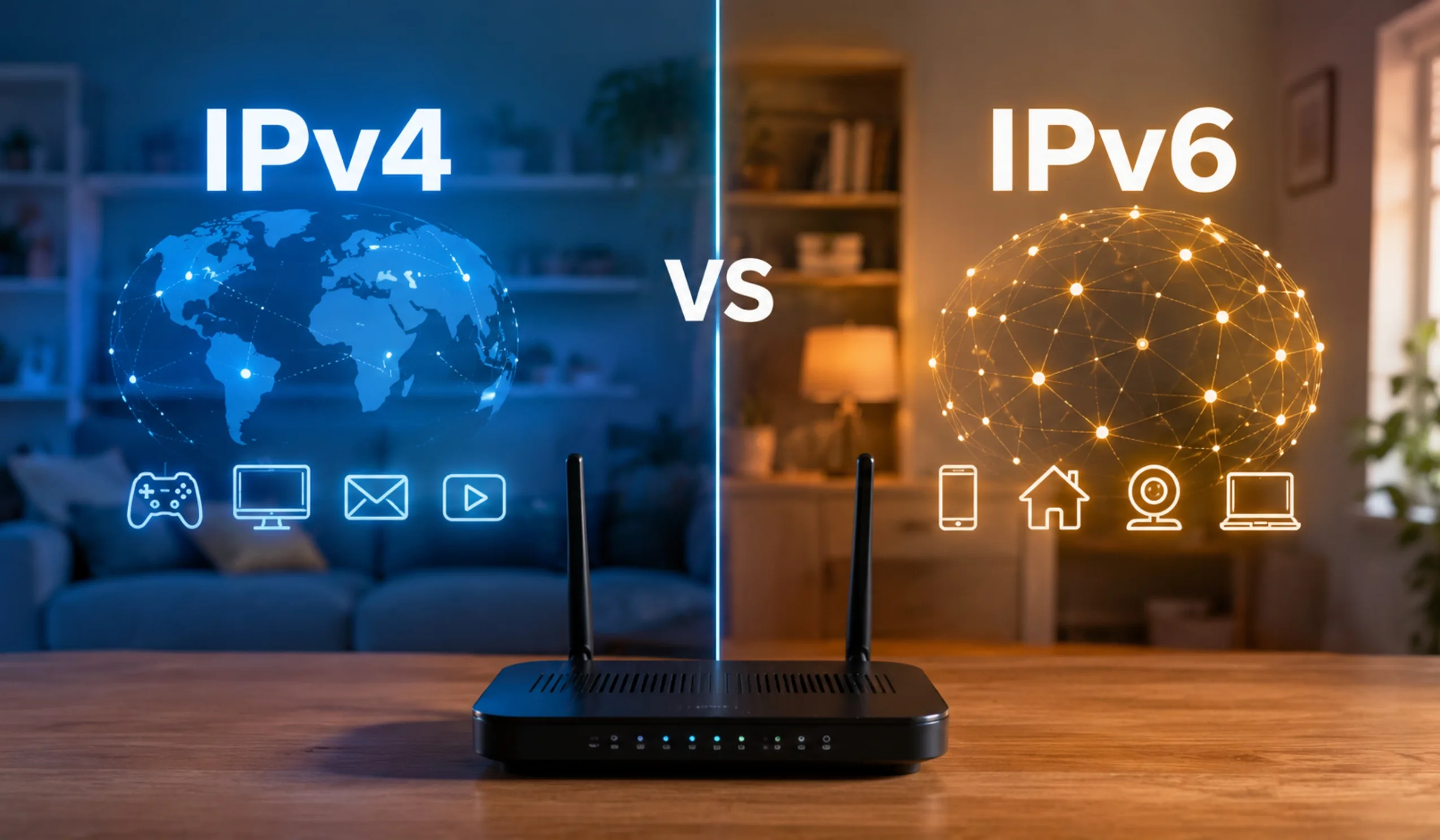
You’ve probably heard that we’re running out of IP addresses. That’s true—for IPv4, which uses the familiar four-number format (like 192.168.1.1). There are only about 4.3 billion possible IPv4 addresses, and with over 15 billion connected devices worldwide in 2026, that’s obviously not enough.
Enter IPv6, which uses a much longer format (like 2001:0db8:85a3:0000:0000:8a2e:0370:7334) and provides roughly 340 undecillion addresses. That’s enough for every grain of sand on Earth to have its own IP address—trillions of times over.
Most modern ISPs now support both IPv4 and IPv6. The transition is ongoing, but for everyday users, everything works seamlessly behind the scenes. Your router handles the translation between the two protocols automatically.
Not Sure What IP Setup You Need?
Our Verdict
Here’s the honest truth: for the vast majority of people, understanding public vs private IPs is something you need for about 15 minutes of your life — when something goes wrong with your Wi-Fi, when you’re setting up a new device, or when your ISP asks you to check your IP address on a support call.
You don’t need to memorize IP ranges. You don’t need to buy a static IP. You don’t need to panic about your public IP being “exposed.” Your router handles all the translation automatically, and your private IPs are invisible to the outside world by design.
Where it does matter: if you work from home and need a VPN, understanding that it masks your public IP (not your private one) helps you know what it’s actually protecting. If your ISP support asks for your IP, knowing the difference between your public and private addresses saves you 10 minutes of confusion. And if you’re setting up smart home devices that need stable addresses, knowing how to reserve a private IP in your router saves you from “why did my camera disconnect again” headaches.
Frequently Asked Questions
Just knowing your public IP alone isn’t usually enough to “hack” you. However, a determined attacker could scan your IP for open ports and vulnerabilities. That’s why it’s important to keep your router’s firewall enabled and firmware updated. Using a VPN adds another strong layer of protection by hiding your real IP entirely.
CGNAT (Carrier-Grade NAT) is when your ISP puts multiple customers behind a single public IP address to conserve IPv4 addresses. It’s common with mobile carriers and some 5G home internet providers like T-Mobile. You can check by comparing the IP shown on “what is my IP” sites with the WAN IP in your router settings—if they’re different, you’re likely behind CGNAT.
A VPN masks your public IP address. When you connect to a VPN server, websites see the VPN server’s IP instead of yours. Your private IP stays the same—it’s only used within your local network and has nothing to do with VPN tunneling.
Two devices on the same network cannot share a private IP—that would cause a conflict and neither would work properly. But two devices on different networks absolutely can have the same private IP (e.g., both could be 192.168.1.5) because private IPs are only unique within their own network. Public IPs, on the other hand, are always globally unique.
Not necessarily. Most modern security cameras use cloud services that handle the connection for you—so your camera connects outward to the cloud, and you access the feed through an app. This works fine with a dynamic IP. You’d only need a static IP if you’re running your own NVR (Network Video Recorder) and want to access it directly from outside your network without cloud services.
Most ISPs assign dynamic public IPs that change periodically—sometimes every 24 hours, sometimes when you restart your router. This is normal and actually adds a small layer of security. ISPs do this to efficiently manage their pool of available IP addresses across all their customers. If you need a permanent address, ask about a static IP upgrade.
That’s a private IP address. Any address starting with 192.168.x.x falls within the reserved private range. It’s typically the default gateway address for home routers—the address you’d type into a browser to access your router’s admin panel. It never appears on the public internet.
Your private IP is already hidden from the outside world—it never leaves your local network. No website, app, or hacker can see your private IP from the internet. What you’d actually want to hide is your public IP, and the best way to do that is with a VPN, which replaces your public IP with the VPN server’s address.
Last updated March 2026. Information about IP address ranges, ISP policies, and pricing is based on current data and may vary by provider and location. We’re not affiliated with any ISPs mentioned—just helping you understand your internet connection better. Always contact your ISP directly for account-specific questions.