TL;DR:
Fiber wins on speed: Up to 10 Gbps with symmetrical uploads — cable caps around 1‑2 Gbps with 10–35 Mbps upload
So, What’s the Real Difference?
If you’re shopping for home internet right now, you’ve probably landed on two front-runners: fiber and cable. Both can stream Netflix in 4K, handle Zoom calls, and keep your smart home running. But they do it in very different ways — and those differences matter more than most comparison charts let on.
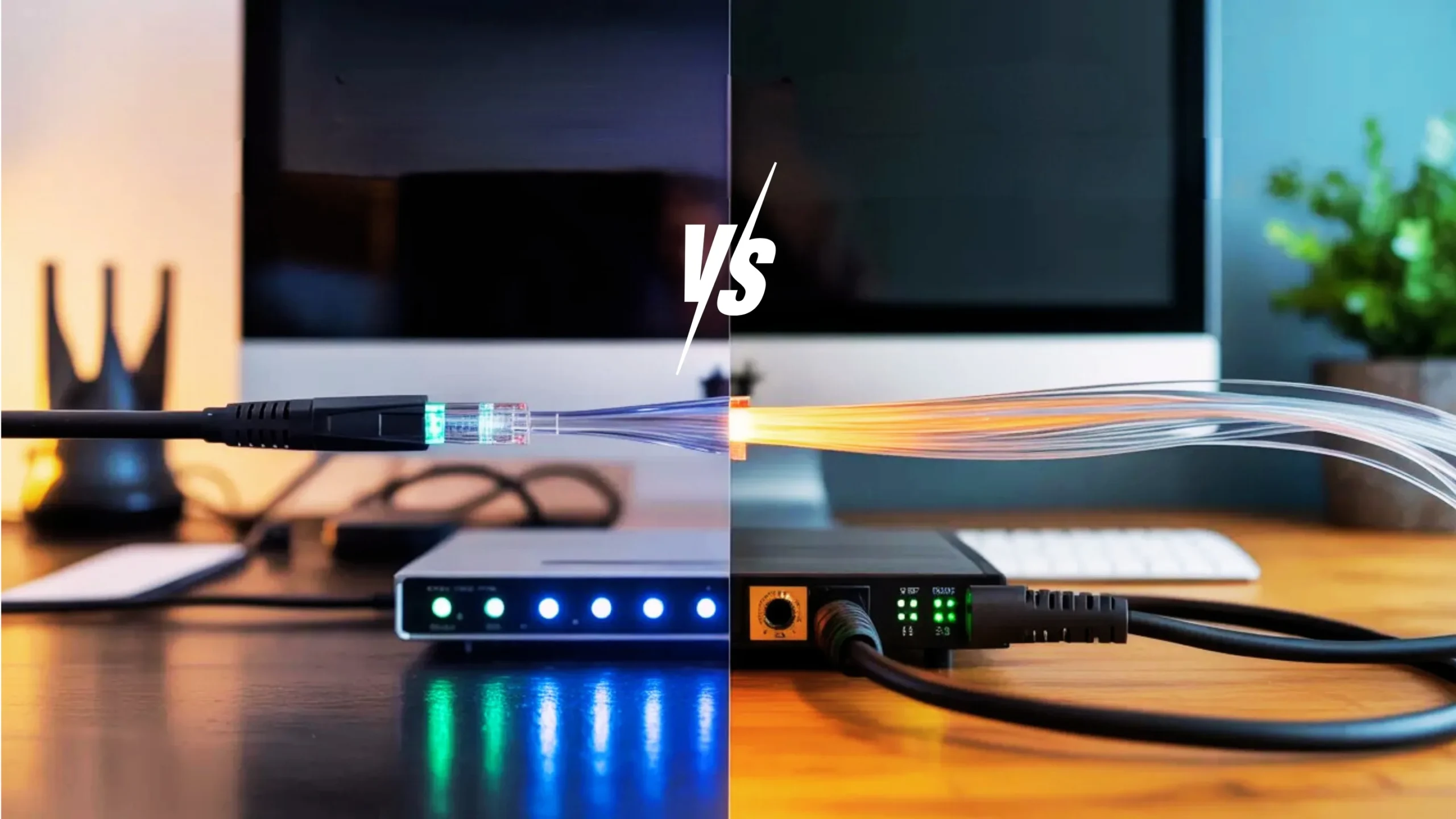
Fiber sends your data as pulses of light through thin glass strands. Cable pushes electrical signals through the same copper coaxial lines that used to deliver TV. That fundamental technology gap affects everything from your upload speed during a work call to whether your internet slows down when the whole neighborhood starts streaming at 8 PM.
We’ve dug into real-world performance data, current provider pricing, and everyday usage scenarios to give you a clear, no-nonsense breakdown. Let’s get into it.
Symmetrical speeds
Download-heavy speeds
Head‑to‑Head Comparison Table
Here’s where the rubber meets the road. We’ve compared every metric that actually matters for your day-to-day experience — not just the headline numbers.
📊Fiber vs Cable — Full Breakdown
| Feature | Fiber Internet | Cable Internet |
|---|---|---|
| Download Speed | 300 Mbps – 10 Gbps Winner | 100 Mbps – 2 Gbps |
| Upload Speed | 300 Mbps – 10 Gbps (symmetrical) Winner | 10 – 35 Mbps (much slower) |
| Monthly Price | $30 – $300/mo | $30 – $165/mo Similar |
| Price Stability | Price-lock guarantees (3–5 years) Winner | Promo rate expires after 12 months, then $20–40 increase |
| Latency (Ping) | 5 – 15 ms Winner | 15 – 35 ms |
| Reliability | Dedicated connection, no shared bandwidth Winner | Shared with neighbors — can slow during peak hours |
| Weather Impact | Minimal (underground fiber-optic cables) Winner | Mostly minimal (underground coax) |
| Data Caps | Unlimited on most plans Tie | Usually unlimited; some have 1.2 TB cap |
| Equipment Fees | Often free (router included) | $10 – $15/mo rental or buy your own ($100+) |
| Contracts | Usually none | Sometimes 1–2 year required |
| Availability | ~50% of US homes (growing fast) | ~95% of US homes Winner |
| Installation | May need professional install + new ONT | Quick if coax already exists Easier |
| Future-Proof | Scalable to 100+ Gbps without replacing cable Winner | Upgrading to DOCSIS 4.0, but still limited by copper |
| Best For | Gamers, remote workers, large households, content creators | Budget-friendly, moderate users, areas without fiber |
What You’ll Actually Experience Speed‑Wise
Let’s cut through the marketing talk. Cable companies love advertising “up to 1 Gbps download!” — and yeah, you might hit close to that on a wired connection. But your upload? That same plan probably gives you 20–35 Mbps going upstream. That’s a huge gap, and it bites you during video calls, cloud backups, and uploading content.
Fiber flips the script with symmetrical speeds. If you’re paying for 1 Gbps, you get roughly 1 Gbps both ways. For anyone working from home, live streaming, or backing up photos to the cloud, that upload speed difference is the single biggest reason to go fiber.
In speed tests across major providers, fiber plans consistently deliver 90–100% of advertised speeds at all hours. Cable typically hits 85–95% during off-peak but can drop to 60–75% during evening congestion in busy neighborhoods. The difference is most noticeable between 7 PM and 11 PM.
How Much Speed Do You Actually Need?
Most people overestimate how much bandwidth their household requires. Streaming a 4K Netflix show takes about 25 Mbps. A Zoom call with HD video uses 10–20 Mbps per person. Even a house with five people streaming, gaming, and on video calls simultaneously usually won’t exceed 200–300 Mbps. Where the real difference shows up is consistency and upload performance — and that’s where fiber pulls away.
Top Fiber Internet Plans (2026)
Fiber providers are competing hard on pricing, and it’s good news for consumers. Here are the standout options available right now.
Frontier Fiber
Fiber 500
$29.99
/monthUp to 500 Mbps download & upload
- No contracts required
- Unlimited data
- Free router included
- Price-lock guarantee
AT&T Fiber
Internet 1000
$35
/monthUp to 1 Gbps download & upload
- Free installation
- Free Wi-Fi equipment
- Up to $200 reward card
- 20% off with wireless bundle
Google Fiber
1 Gig Plan
$70
/monthUp to 1 Gbps download & upload
- No contracts, ever
- No hidden fees
- All equipment included
- #1 in customer satisfaction
After $10/mo AutoPay & Paperless bill discount. Prices vary by location.
Top Cable Internet Plans (2026)
Cable isn’t going anywhere, and for good reason. These plans are widely available and still work well for many households — especially if fiber hasn’t reached your neighborhood yet.
Xfinity
Connect More
$40
/monthUp to 300 Mbps download
- Equipment included
- Available in 40 states
- Price increase after Year 1
- 1.2 TB data cap on some plans
Spectrum
Internet 500
$50
/monthUp to 500 Mbps download
- No data caps
- No contracts
- Free modem included
- Price hike after promo period
Cox
Internet Preferred
$60
/monthUp to 250 Mbps download
- Wide speed tier options
- Bundle discounts available
- Equipment rental fees
- Contract may be required
Fiber Internet: Pros & Cons
Fiber is clearly the superior technology, but it’s not perfect. Here’s the honest breakdown.
What’s Great About 5G
- Blazing fast symmetrical speeds (up to 10 Gbps)
- Consistent performance — no peak-hour slowdowns
- Ultra-low latency (5–15 ms) perfect for gaming
- More secure and harder to intercept
- Future-proof: easily upgradable without replacing infrastructure
- Stable pricing with price-lock guarantees
- Unlimited data standard on most plans
What’s Great About 5G
- Limited availability (~50% of US homes)
- Installation can take longer (new wiring may be needed)
- Multi-gig plans can get pricey ($100–$300/mo)
- Not available in many rural areas yet
- Switching from cable may require new equipment (ONT)
Fiber Internet: Pros & Cons
Cable has been the go-to for decades, and it still has some genuine advantages — especially when fiber isn’t an option.
What’s Great
- Available almost everywhere (~95% of US homes)
- Fast enough for most households (up to 2 Gbps)
- Lower starting prices from $30/mo
- Quick, easy setup if coax wiring exists
- Can bundle with TV for discounts
- Proven, mature technology
The Downsides
- Upload speeds are significantly slower (10–35 Mbps)
- Shared bandwidth = congestion during peak hours
- Price increases after promotional period ($20–$40 jump)
- Equipment rental fees add up ($10–$15/mo)
- Contracts sometimes required with early termination fees
- Some plans have 1.2 TB data caps
The Real Cost Over 3 Years: Let’s Do The Math
Monthly price tags don’t tell the full story. When you factor in equipment fees, price hikes, and hidden charges, the total cost looks very different. Here’s what you’d actually pay over three years for a comparable 1 Gbps connection.
Fiber (AT&T 1 Gig)
Cable (Xfinity 1 Gig)
That’s enough for a solid vacation, a new gaming console, or 35 months of Netflix Premium.
If cable is your only option, call your provider when your promo rate expires and tell them you’re considering switching to fiber or 5G. Cable companies hate losing customers and will often extend your promo rate or offer a better deal. This trick works roughly 80% of the time.
Why Upload Speeds Matter More Than You Think
Here’s something that gets overlooked constantly. Most people focus on download speeds, but in 2026, upload speeds are becoming just as important. Working from home means constant video calls, cloud syncing, and file sharing. Creating content for social media? You’re uploading gigabytes of video regularly.
With cable, your upload might be 20 Mbps on a plan that advertises 500 Mbps download. That means uploading a 5 GB file to Google Drive takes over 30 minutes. On fiber with 500 Mbps upload? Same file, about 80 seconds. That’s not a small difference — it’s a completely different experience.
Cable’s upload speed limitation exists because of how the technology splits bandwidth. Providers allocated most of the available spectrum to downloads decades ago, and changing that requires infrastructure upgrades they’re still rolling out. DOCSIS 4.0 should eventually bring symmetrical speeds to cable, but widespread deployment is still a couple of years away.
Which Should YOU Choose? Decision Time
Your ideal choice depends on what’s available at your address, what you use the internet for, and how much you’re willing to spend. Here’s the straightforward breakdown.
Choose Fiber If…
- It’s available at your address
- You work from home and need reliable video calls
- You game competitively and want low ping
- Your household has 4+ people online at once
- You upload large files or create content
- You want predictable, stable pricing
- You want a future-proof connection
Choose Cable If…
- Fiber isn’t available in your area yet
- You’re on a tight budget and need low entry cost
- Your internet use is moderate (streaming, browsing)
- You want to bundle internet with cable TV
- You need quick, easy installation
- Upload speed isn’t a major concern for you
- You’re good at negotiating promotional rates
Our Verdict
For most people in 2026, fiber internet is the better choice — hands down. The symmetrical speeds, rock-solid reliability, and stable pricing make it a no-brainer when it’s available. Fiber also costs less than cable over time once you factor in equipment fees and post-promo price hikes.
That said, cable is still a perfectly solid option if fiber hasn’t reached your neighborhood. A 300–500 Mbps cable plan handles most household needs just fine. And with DOCSIS 4.0 upgrades on the horizon, cable’s biggest weakness (slow uploads) should eventually improve.
The bottom line? Check fiber availability at your address first. If it’s there, switch. If not, grab a cable plan and keep checking — fiber is expanding rapidly, and it might reach you sooner than you think.
Frequently Asked Questions
Yes, for most users it’s absolutely worth it. You get faster speeds in both directions, more reliable performance during peak hours, and pricing that stays consistent instead of jumping after a promotional period. If fiber is available at your address and your budget allows it, the switch typically pays for itself through better performance and lower long-term costs compared to cable.
You can absolutely game on cable. Download speeds of 100+ Mbps are more than enough for online gaming. The key difference is latency — fiber typically delivers 5–15 ms ping times compared to cable’s 15–35 ms. For casual gaming, cable works fine. But if you play competitive esports titles where every millisecond matters (like Valorant, CS2, or fighting games), fiber’s lower latency gives you a real edge.
It’s a legacy design choice. When cable internet was developed, providers assumed people would download far more than they uploaded — which was true in the early internet era. So they split available bandwidth heavily in favor of downloads (ratios like 10:1 or 20:1). Fiber was designed later and doesn’t have this limitation, which is why it offers symmetrical speeds. Cable providers are working on DOCSIS 4.0 technology to fix this, but widespread rollout is still in progress.
The easiest way is to enter your ZIP code or full address on provider websites like AT&T, Verizon Fios, Frontier, or Google Fiber. You can also use aggregator sites like BroadbandNow.com or AllConnect.com that check multiple providers at once. Keep in mind that fiber availability is expanding rapidly — if it’s not available now, it’s worth checking again every few months.
Both fiber and cable are largely weather-resistant since their cables run underground. Fiber has a slight edge here — fiber-optic cables are immune to electromagnetic interference and less susceptible to temperature fluctuations. Cable’s copper lines can theoretically be affected by extreme conditions, but in practice, neither connection type has significant weather-related issues for most users. Both are far more reliable than satellite or fixed wireless during storms.
For basic streaming and browsing, you honestly don’t need multi-gig fiber. A 300 Mbps plan — whether fiber or cable — handles 4K streaming, web browsing, and social media with ease. But here’s the thing: entry-level fiber plans (300 Mbps) are now priced competitively with cable, sometimes even cheaper. So you can get fiber’s reliability and symmetrical speeds without paying more. It’s not overkill if the price is comparable.
Yes, DOCSIS 4.0 is designed to bring symmetrical multi-gig speeds to cable networks, which would close the biggest gap between cable and fiber. Some providers have begun testing it, and you should see wider deployment over the next couple of years. However, even with DOCSIS 4.0, cable still uses shared infrastructure, so peak-hour congestion could remain an issue. Fiber’s dedicated connection will continue to have an edge in consistency.
In most cases, yes. Fiber internet requires an Optical Network Terminal (ONT) provided by the ISP to convert the light signal, but you can connect your own Wi-Fi router to the ONT. Many providers now include a solid Wi-Fi 6 or Wi-Fi 6E router at no extra cost, so buying your own may not be necessary unless you want specific features or better coverage with a mesh system.
Most fiber providers offer truly unlimited data with no caps. On the cable side, it varies — Spectrum and Cox currently don’t enforce caps, while Xfinity has a 1.2 TB monthly cap on some plans (with a $30/mo unlimited upgrade option). For most households, 1.2 TB is plenty, but heavy users who stream a lot of 4K content or download large files regularly should factor this in when comparing.
Disclaimer: Last updated February 2026. Prices, speeds, and availability are based on current provider offerings and may vary by location. Always check availability and pricing in your specific area before signing up. We’re not affiliated with any providers mentioned — just helping you make a smarter choice.